









.png)




.svg)
.svg)
.svg)







.png)
.png)






.jpg)

%20F%20(1).jpeg)







.webp)






 Login
Login
Setting up a virtual data room (VDR) for a merger is one of the most operationally sensitive tasks in any M&A transaction. A well-configured data room accelerates due diligence, reduces information-leak risk, and creates the immutable audit record that regulators, counsel, and acquirers expect. Admincontrol Data Room is purpose-built for exactly this workflow, combining granular permission controls, dynamic watermarking, and a complete, tamper-proof audit trail within a GDPR-compliant, EU-hosted environment.
- Define your data room structure and access tiers before uploading a single document.
- Use a standardised sell-side template to organise folders by workstream: legal, financial, HR, IP, regulatory.
- Assign folder-level permissions with distinct user groups to enforce need-to-know access for each buyer group.
- Enable dynamic watermarking (user ID + IP + timestamp) on all sensitive documents from day one.
- The audit trail must be immutable, timestamped, and exportable for post-deal regulatory or litigation purposes.
- MFA should be mandatory for all participants regardless of role or seniority.
1. Pre-Setup Planning
Before creating a single folder, the sell-side deal team should align on three questions:
- Who are the buyers? A competitive auction with multiple bidders requires more granular access tiering than a bilateral deal. Identify all counterparties and their advisers in advance.
- What is the sensitivity classification of your documents? Not all materials carry the same risk. Financial statements, IP schedules, employee data, and regulatory licences are typically restricted to later-stage access. Customer contracts and basic corporate documents can be made available earlier.
- What are the regulatory obligations? For European transactions, GDPR governs how personal data in employee rosters, pension records, and customer lists is shared. DORA requirements apply if the target is a financial entity. Ensure your VDR provider stores data within the EU. Reliance on platforms with US data residency creates CLOUD Act exposure.
Document the answers in a short access matrix before you touch the platform. This matrix becomes the blueprint for your permission structure and will save hours of re-configuration later.
2. Folder Structure and Document Index
A clear, consistent folder template signals professionalism to buyers and allows their advisers to navigate efficiently, which directly shortens the due diligence timeline. The standard sell-side template for a merger typically follows this structure:
| Section | Typical Contents | Access Timing |
|---|---|---|
| 01 — Corporate | Articles of incorporation, shareholder register, board minutes | Early phase |
| 02 — Financial | Audited accounts, management accounts, projections, cap table | Early phase |
| 03 — Legal & Contracts | Material contracts, leases, litigation, regulatory licences | Mid phase |
| 04 — Intellectual Property | Patents, trademarks, software licences, trade secrets | Mid phase — restricted |
| 05 — Human Resources | Org charts, key employee contracts, pension obligations | Late phase — redacted |
| 06 — IT & Infrastructure | System architecture, data flows, cybersecurity policies | Mid–late phase |
| 07 — Regulatory & Compliance | Licences, permits, regulatory correspondence, audit reports | Mid phase |
| 08 — Commercial | Top customer contracts, supplier agreements, pricing data | Late phase — restricted |
Use consistent file naming (YYYY-MM-DD_Document-Title_vX) and upload documents in their final, non-editable format (PDF). Avoid uploading live spreadsheets unless they are read-only, as they can expose formula logic and version history that is not intended for disclosure.
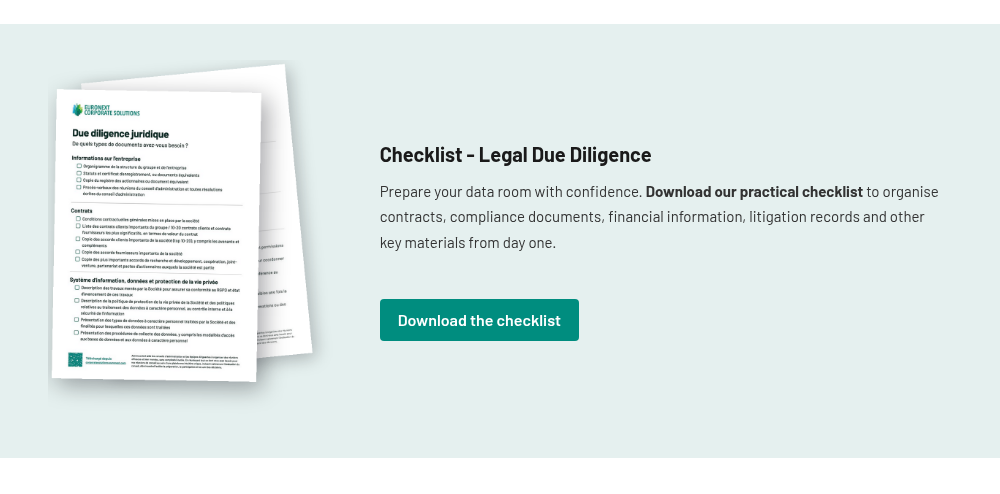
| Free M&A Data Room Setup Template · Download the Admincontrol sell-side template to pre-structure your data room in minutes. Get the template → |
|---|
3. User Roles and Permission Groups
User management is where most data room configurations go wrong. Assigning everyone the same broad access level is the fastest way to a leak, or to a regulatory breach if personal employee data reaches a buyer's operational team before appropriate protections are in place.
A well-structured merger data room typically requires at least five distinct permission groups:
| Group | Typical Members | Access Level |
|---|---|---|
| Administrator | Deal manager, legal counsel (sell-side) | Full: upload, delete, configure permissions, view all reports |
| Sell-Side Contributor | CFO, Head of Legal, HR Director | Upload and view within assigned sections; no permission management |
| Buy-Side — Full Access | Lead deal partner, financial advisers | View and download all sections unlocked to their group; watermarked |
| Buy-Side — Restricted | Operational due diligence team, sector specialists | View-only; no download; restricted to specific sections |
| Observer / Regulator | External auditor, regulatory authority, lender | View-only; access to designated sections only; no Q&A |
In a competitive auction with multiple bidders, each bidder consortium should be isolated in its own group: Bidder A must never see what Bidder B has accessed or requested. Most modern VDR platforms support group isolation natively; verify this feature is active before any external party is invited.
4. Configuring Restricted Access
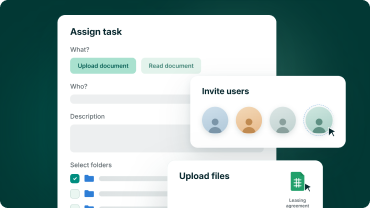
Access restriction in a properly configured data room is managed at the folder level, with distinct permission groups assigned to each counterparty or adviser team. Sensitive categories (HR data, IP, pricing schedules) should be placed in dedicated folders visible only to the user groups with a legitimate need to review them at each phase of the process.
Phased folder unlocking
In a structured sale process, sections are typically unlocked in phases: corporate and financial documents first, then legal and commercial, then HR and IP. When a bidder exits the process, their access should be revoked promptly by the deal administrator. Admincontrol Data Room supports immediate revocation with a single action.
Print and download controls
For the most sensitive categories (HR data, pricing schedules, proprietary technology documentation), consider restricting access to view-only, disabling print and download rights for those user groups. This is a guideline rather than a hard requirement, and the appropriate setting will depend on the deal context and counterparty agreements. View-only access combined with dynamic watermarking provides sufficient disclosure for evaluation while minimising the risk of uncontrolled copies circulating outside the data room.
5. Enabling the Audit Trail
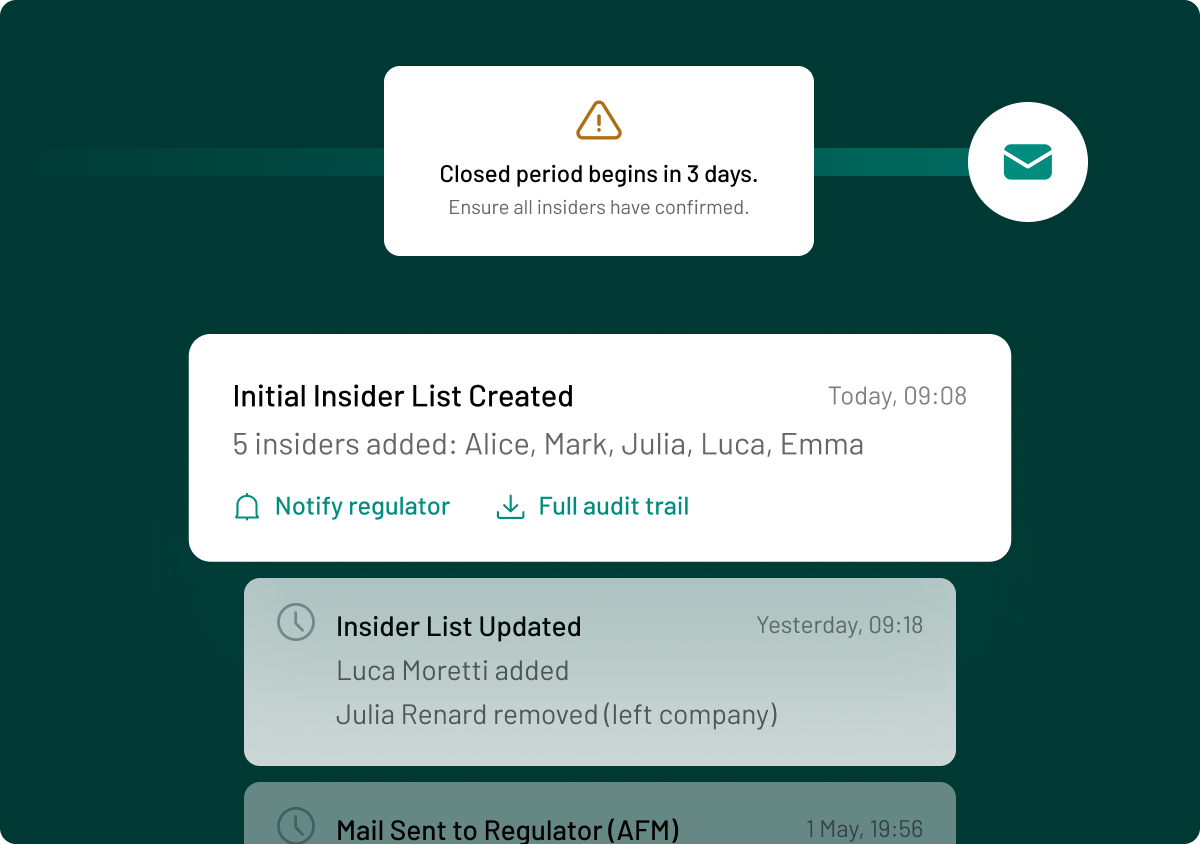
The audit trail is not just a compliance feature. It is a deal management tool. A complete, timestamped log of every document view, download, and Q&A interaction allows the sell-side to track buyer engagement, identify which sections are receiving the most scrutiny, and spot anomalies that may indicate a leak or an uninvited party accessing the room.
An audit trail suitable for a merger transaction must capture:
- User identity (name, organisation)
- Action type (view, download, print, Q&A submission)
- Document identifier (file name, version, folder path)
- Timestamp (to the second, in UTC)
- Session duration
The log must be immutable: neither administrators nor users should be able to delete or edit individual entries. This matters both for regulatory purposes (GDPR accountability obligations, AMF requirements for listed company transactions) and for litigation risk: in the event of a post-deal dispute, the audit log is contemporaneous evidence of what was disclosed, when, and to whom.
Ensure the audit trail is exportable in full (in CSV or PDF format) so that it can be submitted to regulators, included in the legal file, or reviewed by external auditors without requiring ongoing access to the platform itself.
6. Additional Protections: Watermarking, MFA, and Redaction
Dynamic watermarking
Dynamic watermarking embeds the viewer's identity (name, email address, and timestamp) directly into the document rendering layer. Unlike static watermarks, which can be cropped or digitally removed, dynamic watermarks are applied server-side at the point of display, making it forensically straightforward to trace any leaked screenshot or photograph back to the responsible party. Enable dynamic watermarking on all documents from day one, not just sensitive sections.
Multi-factor authentication
MFA should be mandatory for every user without exception. A shared password is insufficient protection for a data room holding confidential merger documents, particularly when external advisers are accessing the room from personal devices or public networks. TOTP-based authentication apps (Google Authenticator, Microsoft Authenticator) are the recommended standard; SMS-based codes are acceptable but less secure. Confirm that your VDR enforces MFA at the platform level, not merely recommends it.
Redaction
Redaction allows specific text or sections within a document to be masked before disclosure. This is commonly used to protect personal data in employment contracts (GDPR compliance), commercially sensitive pricing within customer agreements, and attorney-client privileged communications in legal files. Native redaction within the VDR eliminates the need to create parallel redacted copies and maintain version control across both, significantly reducing administrative overhead and the risk of uploading the wrong version.
7. Ongoing Management During the Deal
A data room is not a static repository. It requires active management throughout the transaction lifecycle. The sell-side administrator should run a weekly review covering four areas:
- Access review: Confirm that all active users still have a legitimate role in the process. Immediately revoke access for any adviser whose engagement has concluded or whose bidder has exited.
- Document updates: Post updated versions promptly and notify relevant user groups. Maintain version history so that buyers can see what changed and when.
- Q&A management: Monitor the Q&A module for sensitive questions that should be routed to legal counsel before being answered. Set response time SLAs and track outstanding queries against the data room index to identify gaps.
- Engagement monitoring: Use the audit trail analytics to identify which sections are being read most intensively. Unusually high engagement with specific documents (HR data, material contracts) may indicate that a buyer has identified an issue worth monitoring before the offer stage.
At deal close, revoke all external access immediately, export the full audit trail, and archive the data room in accordance with your document retention policy. Many VDR providers, including Admincontrol, support post-deal archiving with long-term data access guarantees.
Frequently Asked Questions
A basic data room can be configured and ready to receive documents within a few hours on a modern platform. However, a production-ready merger data room (with folder structure, permission groups, watermarking, MFA, and an initial document set) typically takes two to five business days to populate properly, depending on the volume of materials and the number of internal contributors involved. Platforms like Admincontrol offer pre-built M&A templates that reduce setup time significantly.
No. A single data room with isolated bidder groups is the standard approach. Using separate rooms creates document management overhead and makes it difficult to ensure all bidders receive identical disclosures simultaneously. Bidder isolation within a single room ensures each group sees only its own activity and Q&A thread, while the sell-side administrator maintains a single master view.
A complete, immutable, exportable audit trail supports GDPR accountability obligations by demonstrating that personal data was shared only with authorised parties, under defined access controls, for a specified purpose. However, the audit trail alone does not constitute a full GDPR compliance programme. You also need a lawful basis for the data sharing (typically legitimate interest or contractual necessity), data processing agreements with the VDR provider, and appropriate redaction of sensitive personal data before disclosure.
Best practice is to revoke all external access immediately at deal close and export the full audit trail within 24 hours. The data room is then archived (typically for five to seven years) in accordance with the applicable document retention policy and any contractual obligations in the sale and purchase agreement. A number of VDR providers offer long-term archiving as a separate service tier; verify this is included in your contract before closing.
Setting up a data room for a merger is a high-stakes operational task, but the framework is consistent: plan your access matrix before you touch the platform, structure folders by workstream, enforce folder-level permissions and MFA without exception, and treat the audit trail as a strategic asset rather than a compliance checkbox. Admincontrol Data Room gives European deal teams the granular controls, EU-hosted security, and GDPR-aligned architecture to run a merger process with confidence.
Explore Admincontrol Data Room