







What Is a Webcast and How to Start Webcasting?
With 85% of businesses using video as a marketing tool and 75% of employees preferring video content for internal communications due to its engaging nature, it is easy to see why webcasting has become a key element of companies’ engagement strategies. A webcast allows businesses to broadcast their message to large-scale audiences on their own terms, allowing them to communicate with clarity and consistency of message.
With a relatively simple setup, thoughtful planning and a strong follow-up strategy, you can use webcasting to speak directly to all manner of different audiences, from shareholders and prospective customers to employees and peers. You can pitch yourself as a thought leader, take control of the narrative around your business, create buzz about your innovations and keep your staff informed and engaged.
This guide explains the importance of webcasting, the business case for hosting webcasts and a step-by-step guide on what to do and not do when you launch your webcast strategy.
Key takeaways
- Webcasts help leaders deliver consistent messages to large audiences with clarity and authority.
- Successful webcasts don’t require complex setups, just thoughtful planning and the right platform.
- On-demand access and hybrid formats extend engagement far beyond the live event.
- Data insights from webcast software help teams refine content, follow up effectively and improve ROI.
- Strong preparation and post-event strategy matter more than expensive equipment.
What is a webcast?
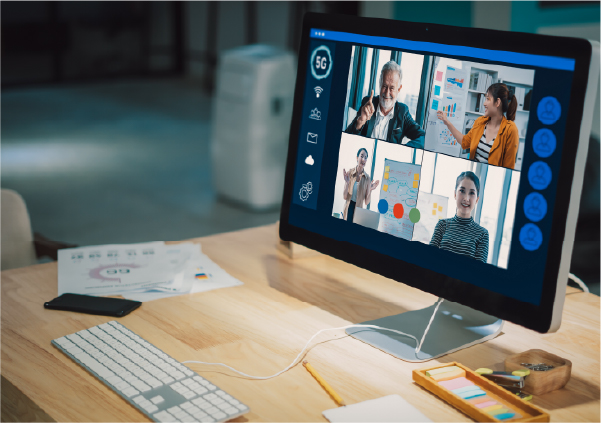
A webcast is a high-quality digital video broadcast delivered from a single source to a large audience. Traditionally, this might previously have been limited to one-way messaging from the webcaster to the viewers. However, modern webcasts also include interactive elements to create a more engaging and immersive experience.
Companies run webcasts to deliver well-prepared key messaging in a direct and compelling manner to a wide audience simultaneously. This includes high production values and a thoughtful flow that captures the attention of the intended recipients of the information being imparted.
Webcast vs webinar
Although similar to a webinar, there are key differences between a webcast and a webinar. These include :
|
Element |
Webcast |
Webinar |
|
Primary purpose |
One-to-many broadcast of polished messages at scale. |
Two-way informational sessions. |
|
Typical audience size |
Very large (hundreds to thousands and even hundreds of thousands). |
Small to mid-sized (dozens to a few hundred). |
|
Production quality |
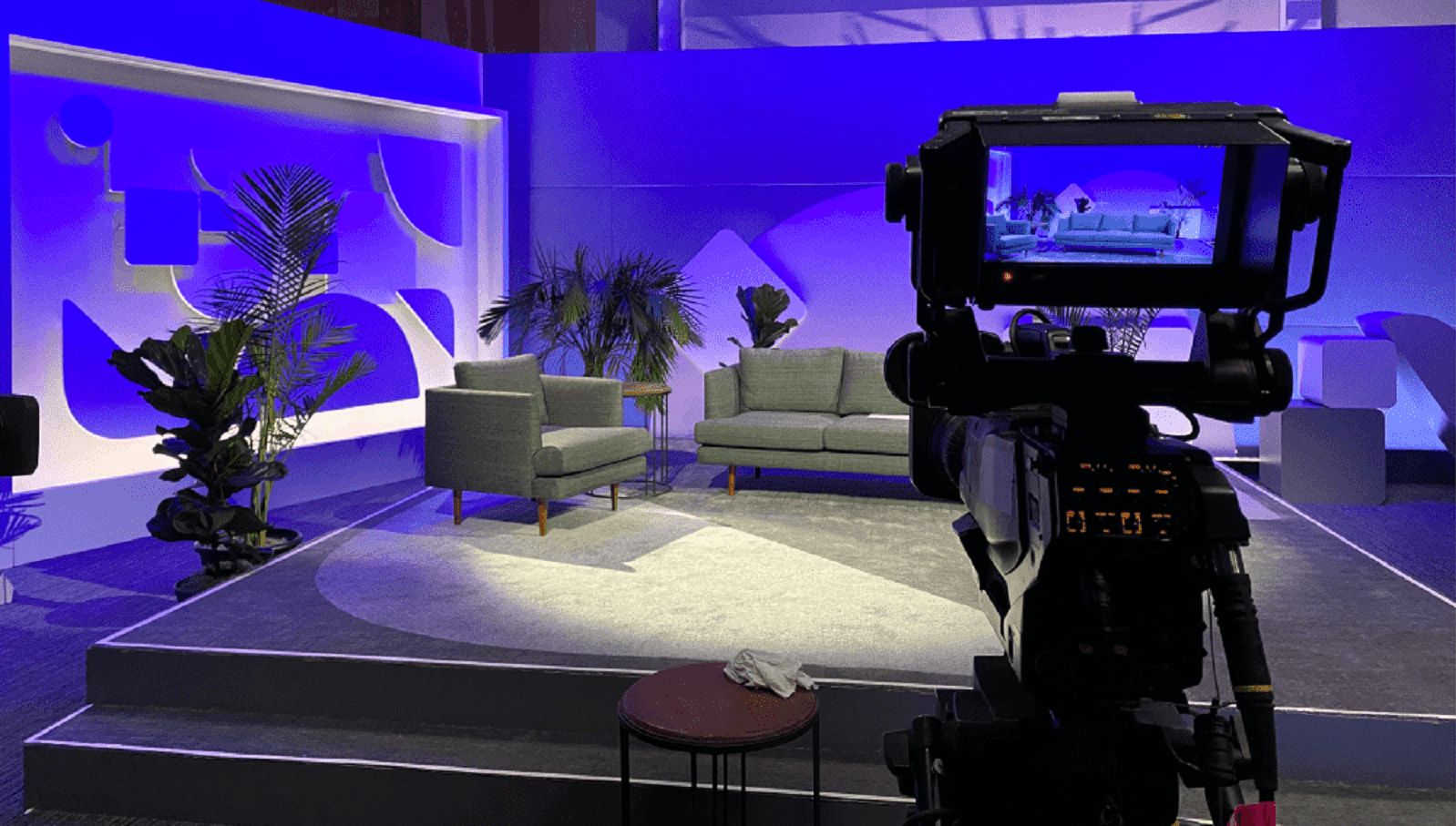
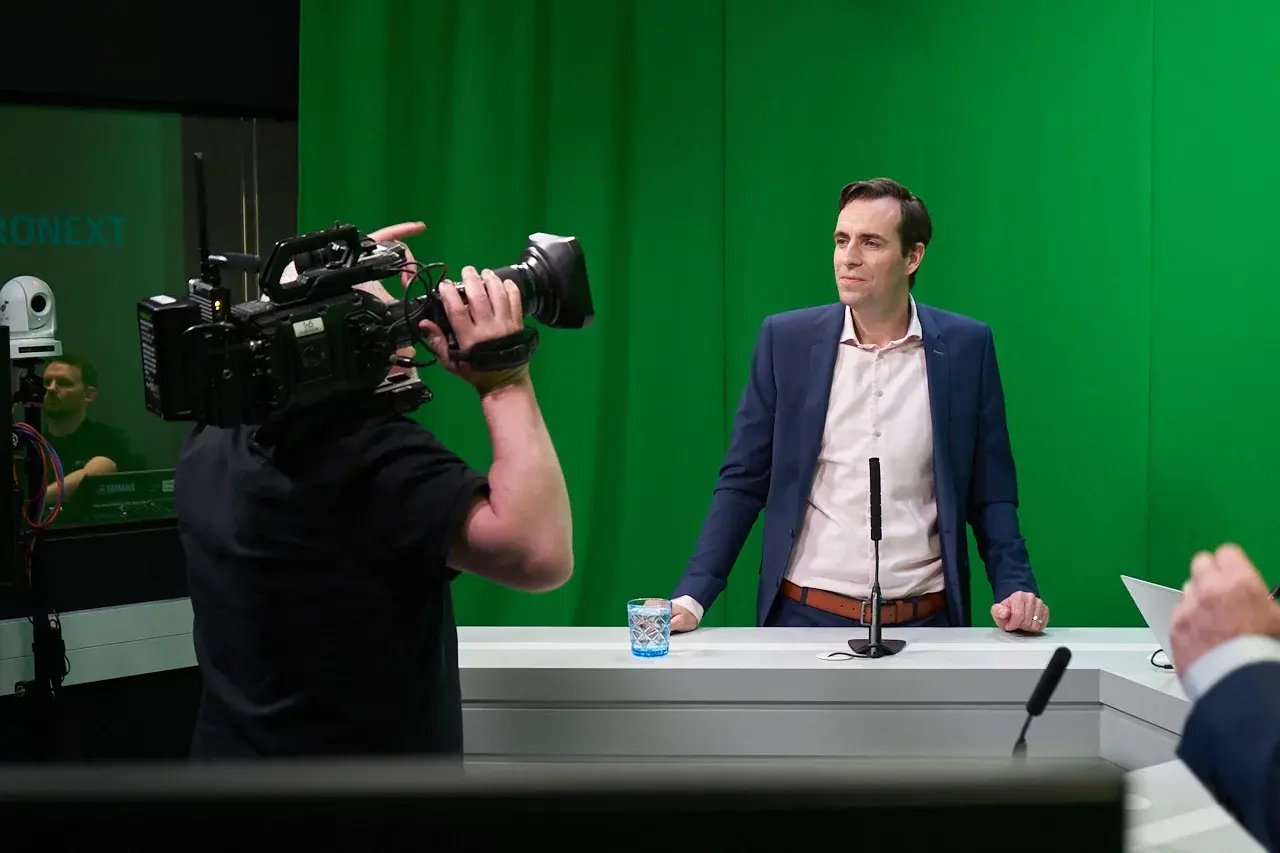
Broadcast-grade, often with multi-camera setups and professional setting. |
Varies depending on the business, subject and aim of the event. |
|
Interactivity |
Curated and moderated (Q&A, polls, reactions) to protect flow and maintain the brand integrity. |
High: open Q&A sessions, polls, chat, breakout rooms and whiteboards, for example. |
|
Presenter format |
Stage or studio presenters within a producer-led show flow. |
Hosts and panellists on camera, involved in discussions. |
|
Access |
Flexible approach, with some open public streams or embedded in the company’s owned properties. Some webcasts feature gated registration. |
Usually registration-gated. Attendees register and receive links to access the event. |
|
Common use cases |
Keynotes, internal updates, product launches, investor announcements, thought leadership, web conferences. |
Training sessions, sales enablement, customer education, investor engagement, workshops, meetings. |
|
Presenter support |
Generally rely on a producer and technical crew. |
Often host-managed with basic tech support and a lighter production touch. |
How webcasting works (A simple business explanation)
Webcasting involves the presentation of your message in video format, broadcast on channels where your intended audience can easily access the event. It starts with the message you want to impart and ends when you follow up with your viewers after the event. This is to ensure they extracted all they needed from the webcast and to guide them towards any next steps they need to take.
To bring your webcast to fruition, there are some essential components that all businesses need to have in place before creating an event. They are:
A presenter or presenters
Every successful webcast needs a host, or a team of hosts, to guide the event. They introduce the themes, deliver the core messages and ensure the session moves at the right pace.

Content
Careful planning is essential. Craft content that is clear, concise and aligned with your brand and audience. It should hold viewers’ attention and offer genuine value to justify the time they invest.
A webcast platform
Large-scale webcast live streaming requires robust, secure and reliable webcasting software. Any lagging or buffering can break audience focus and diminish the impact of your message.
Viewing environment
Select the most suitable location for your broadcast. For example, embed investor updates on your IR website, use YouTube for a broader reach or place customer-focused events on your business site to support visibility and authority.
Engagement options
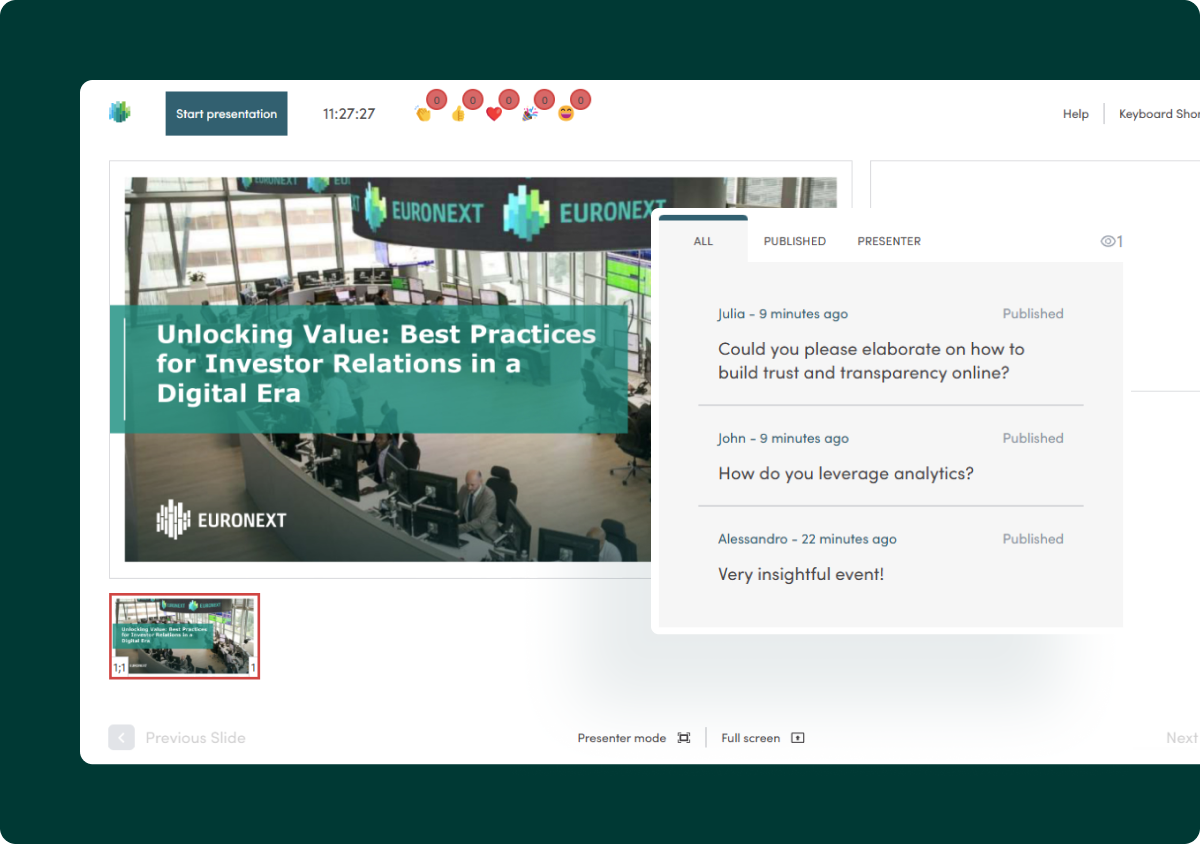
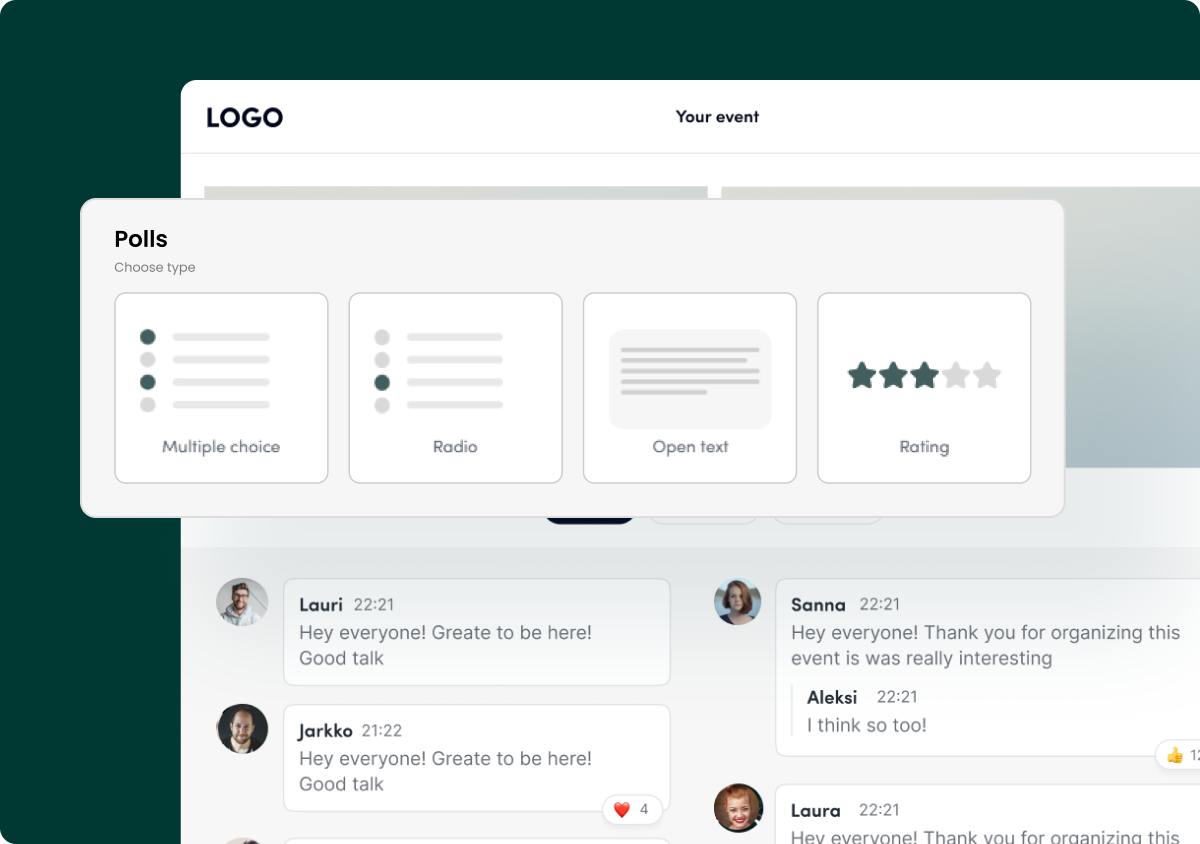
Interactive features help maintain focus in a distraction-heavy environment. Q&A, comments and polls keep viewers involved and can enrich the overall experience.
Analytics
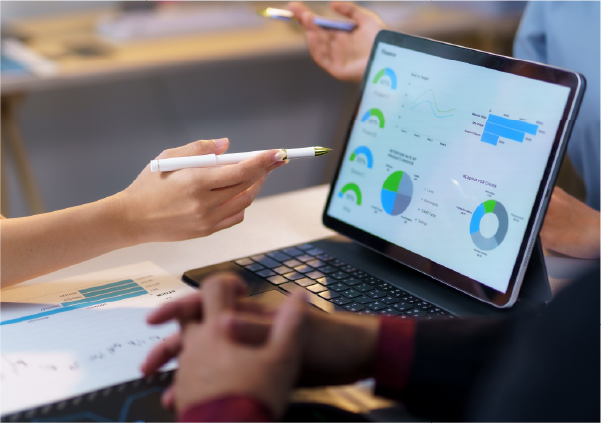
Once the event ends, use the analytics to assess performance and refine future strategy. Review attendance numbers, viewing duration, engagement levels, follow-up actions and feedback survey results.
Demo
Set your webcast up for success with EngageStream
From interactive tools to analytics, EngageStream brings all key elements of a professional webcast together in one enterprise-grade webcasting solution.
How to produce a webcast
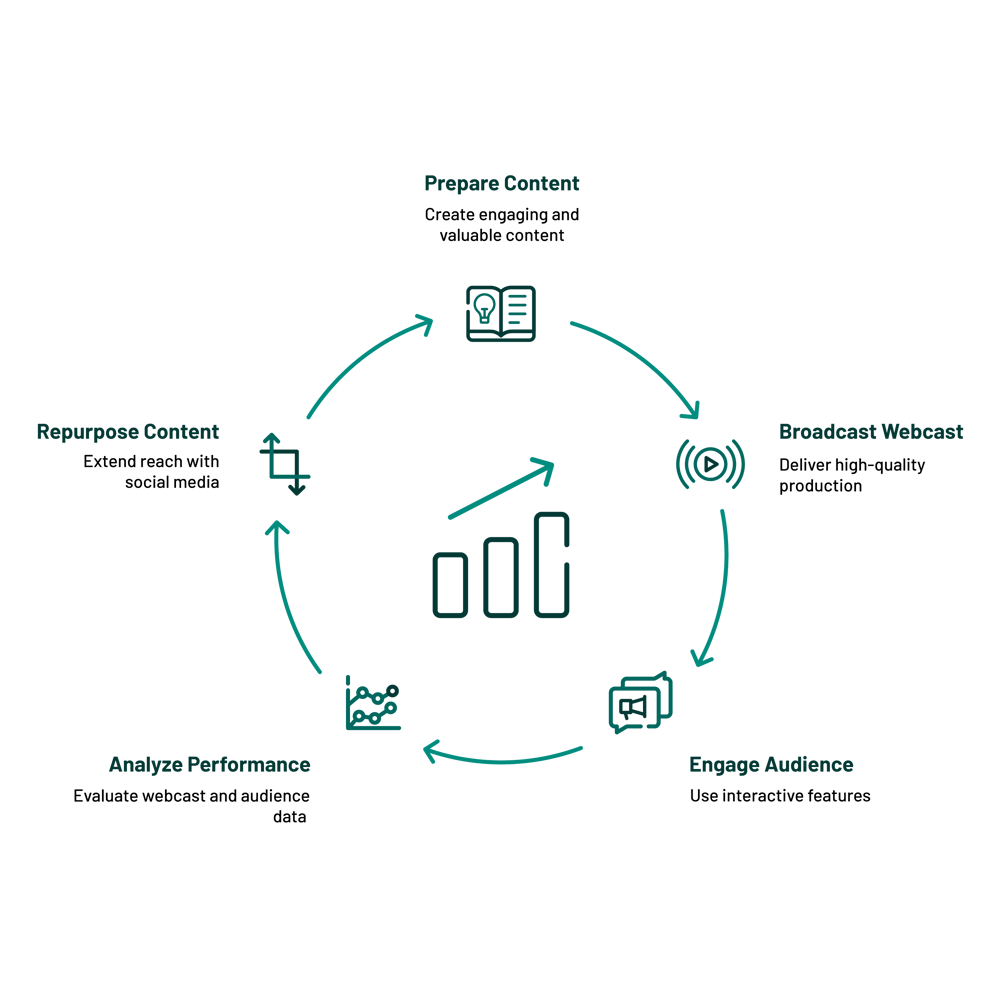
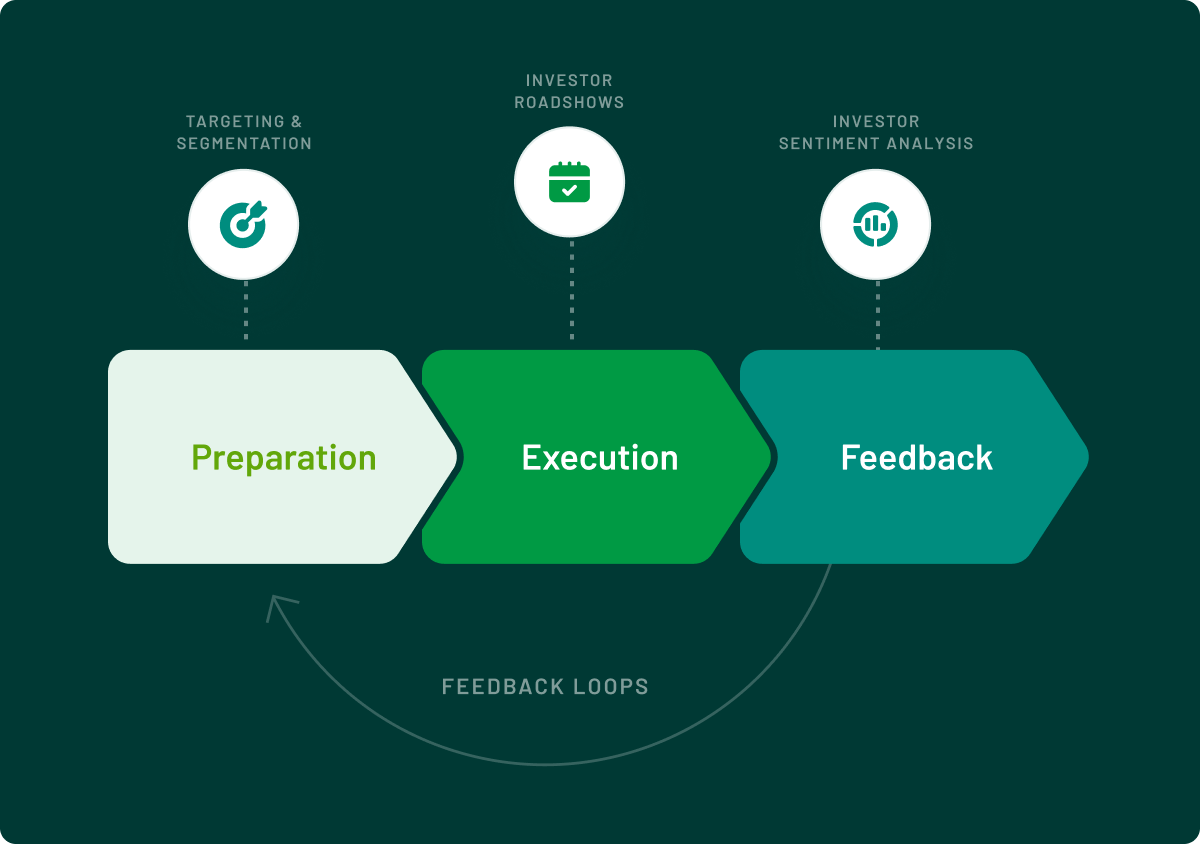
A strategic webcast workflow might look like this:

Why webcasting matters for modern business
Reach large audiences without logistical complexity
If you were to run live in-person activity to show new products, inform investors or to position your company as a thought leader, it would require multiple events across the country, continent or even the world. This would require time and money spent taking your investor events on the road and impacting your internal experts’ work schedule.
A webcast allows all targeted stakeholders to access the information at the same time, wherever they are located. You can spread the word with one, single event to which you can devote your full attention and effort.

Deliver messages with authority and consistency
Another issue with curating separate events in different territories is that you risk creating a disparity of knowledge. There is the chance that the messaging could be delivered in a different manner in different locations, with some omissions or additions, and leading to confusion or vagueness.
Holding one single online event means that all audience members receive the same detail at the same time. This means your messaging is consistent and authoritative, as the webcast becomes the single source of truth in your campaign.
Gain actionable insights
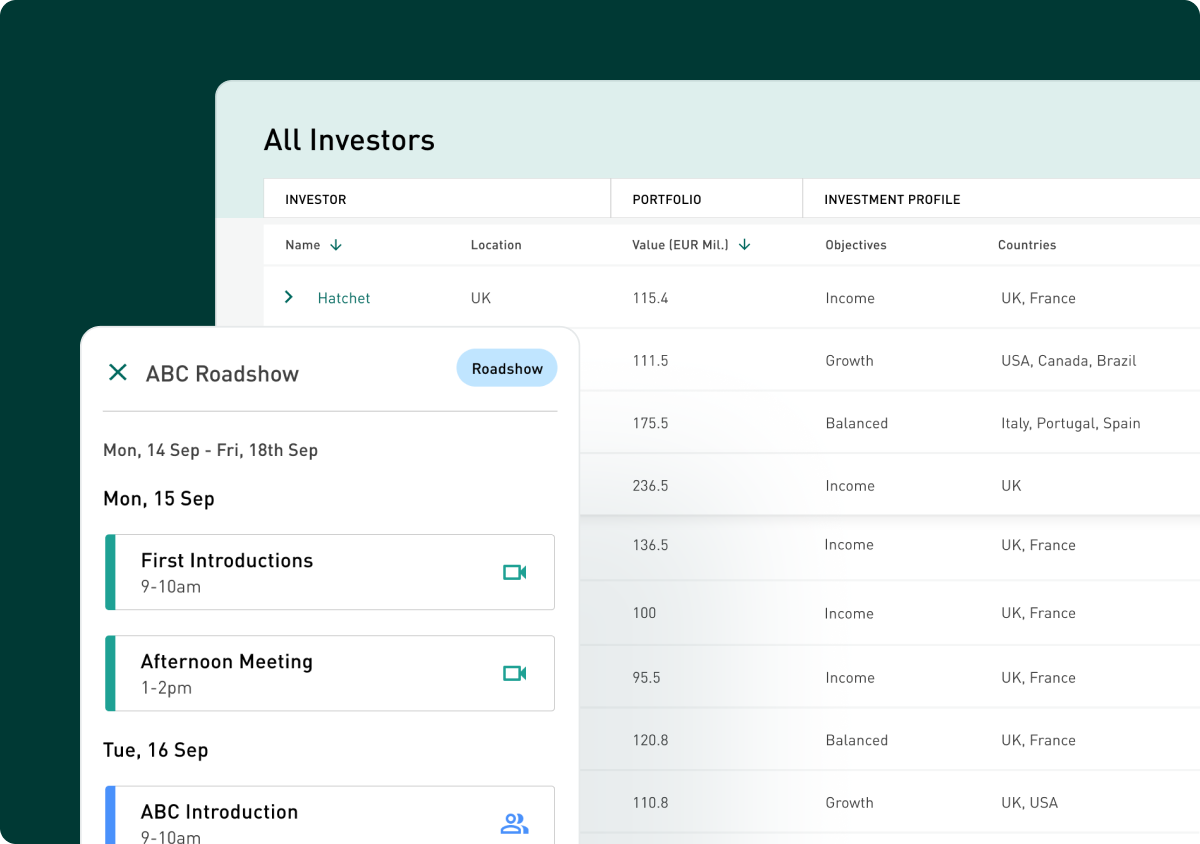
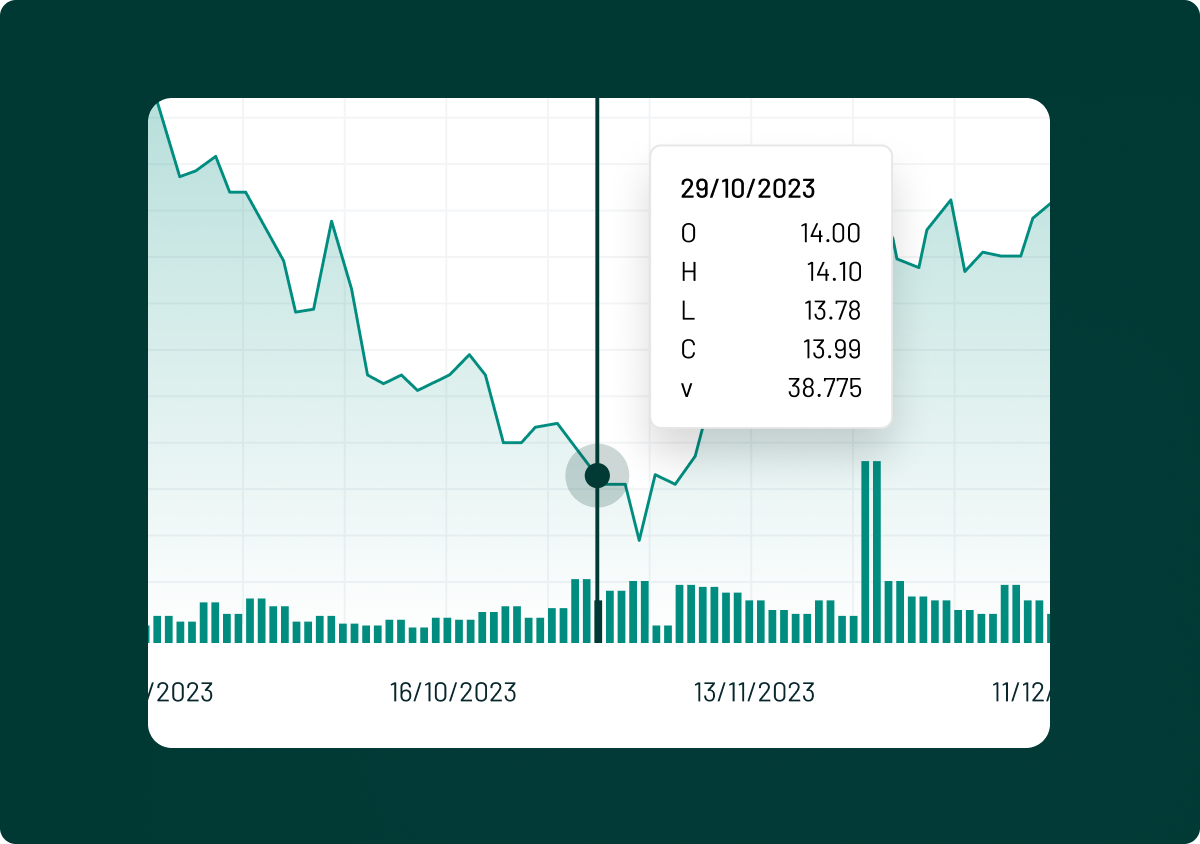
Your webcasting solution is the key to unlocking data that tells you about your audience, how they react to your message and what they really want from your offering. The ideal platform will capture the personal details of those who are interested in it, information on who watched and for how long, analytics on how people engaged with the content and details of their interactions during the event.
All of this is valuable for understanding how successful your webcast is and helping you calculate the return on investment (ROI). Use the insights generated to create better targeted outreach and to help you follow up in a more effective manner. You can also use the engagement analytics to understand which elements keep the attention of viewers and where they might drift off.

Reduce cost and increase flexibility
When compared with running live, in-person events, you can reach many times more attendees and at a much reduced cost. You cut travel and accommodation costs for your team, reduce venue and printing expenses and create high-quality and engaging events at a vastly lower production cost.
Online event webcasting is also more convenient for your audience, who can watch from any location, as long as they have internet access. They do not have to travel to a physical location, reducing the demands on their time. They can watch back an on-demand recording of the event if they need a refresher on the content.
This makes your communications efforts more inclusive and accessible, allowing you to maximise the impact of your event.
Types of webcast
|
Type |
Explanation |
|
Live |
Live webcasting means the webcast is broadcast at the time it is presented. This allows for real-time interaction that your presenters can incorporate into the event. |
|
On-demand |
A webcast that you record in advance and make available for viewing on your website or via a video sharing service. You can add edits post-production to make it more slick, but you miss out on the element of immediate audience engagement. |
|
Hybrid |
A hybrid webcast is either one that features some live elements around pre-recorded and produced content, or a pre-recorded broadcast that you livestream at a specific time as if it were live. In the latter case, you can still ask for interactions and follow up with them away from the stream. It cannot, however, influence or inform the content of the webcast. |
Business use cases of webcasts
Here are some webcasting examples to show you how this format could work for you:
- Internal updates for employees on topics relevant to the organisation
- Product launches to engage current and potential customers, as well as other webcast marketing uses
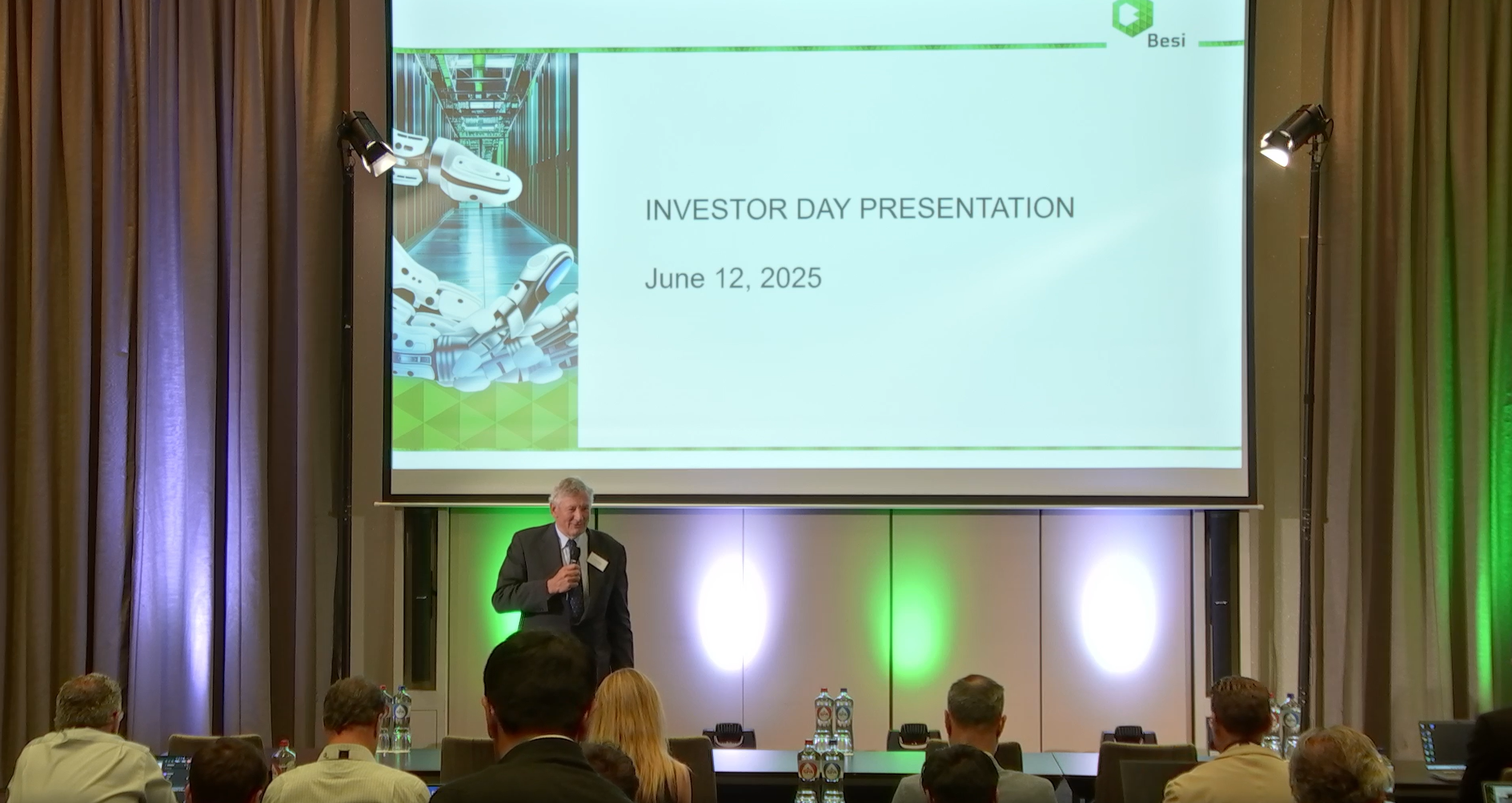
- Investor relations communications, keeping shareholders informed about pertinent topics
- Thought leadership to position your business as the expert in your field
- Training and onboarding sessions to deliver consistent, scalable learning across teams
- Conference webcasting can open your messaging to a wider range of potential stakeholders
Demo
Make your next business webcast outstanding
Whether you are planning internal updates, product launches or investor events, EngageStream can support your organisation in every step.
How to start webcasting: A step-by-step guide for organisations
To achieve success with your webcast, it needs to be built on solid foundations. This means defining your objectives before you do anything else. What do you want to happen after the event takes place? Once you understand your desired outcomes, you can work backwards to create the messaging that will deliver these results.
This means knowing who you want to talk to, what you want them to learn and what you want them to do after the webcast. It could be to sign up to a mailing list, buy a product or simply to ease employees’ or investors’ minds in times of corporate turbulence.
Consider the capabilities you need to create the kind of webcast that will appeal to your audience and will provide you with value in the process. This means considering how important the following are to your process:
- Engagement
- Branding
- Reliability
- Access to analytics
- Security
Ideally, the right solution would provide all of the above. EngageStream, for example, is built in accordance with ISO/IEC 27001:2013, with security in mind to ensure you can host events and allow your stakeholders to view them without putting personal data at risk. It uses peer-to-peer technology to ensure high-quality viewing for large audiences, while also allowing you to use your company branding to increase trust and deploy interactive features to engage audiences. You also gain access to data collected during the broadcast to help you create even better events in the future. Request a demo of EngageStream today.
You do not need a complicated setup to create a compelling webcast. Concentrate on simplicity and quality. Use professional cameras, lighting and sound – which you can access through EngageStream – to ensure that your visuals and audio grab the attention of your audience immediately. This gives the webcast an air of authority that allows the audience to trust in what you have to say.
Once you have prepared your content, you should work through it with your presenters to ensure they know what they are going to say and do in depth. Hold rehearsals to ensure they don’t have to worry about what is happening and when. Practice the flow of the event, looking at how you move between presenters or scenes. The more preparation you put in, the better the webcast will be.
Use your internal channels to promote the webcast, ensuring the messaging meets the intended audience of the webcast. For example, you will likely have the email contacts of relevant investment community members for a shareholder-targeted event. You might use your internal messaging facility, such as Slack, to alert stakeholders to an employee event.
For external parties, you could use the social media that they are likely to view. Customers can be found using Facebook and Instagram, for example, with peers in the industry likely to see your messaging on LinkedIn.
To help you understand the appetite for the webcast and to know whether you need to promote it more in the lead-up to the event, you could consider requiring viewers to register to view. If you do not want to limit the potential audience in this way, have prospective viewers sign up for reminders, which will give you an indication of demand.
Use interactive features throughout the webcast to maintain focus and attention from your audience. Don’t let any one section run too long without a break to avoid people losing interest and drifting away. Remember that visuals are important too, so create slides that complement the points that you are making and keep the webcast visually stimulating.
Here are some best practices for hosting a webcast for a large, diverse audience
- Signpost immediately who the session is for, what they will learn and how they can interact.
- Use plain language and avoid jargon so all viewers can understand what you are saying.
- Keep the pace up and summarise the points made every so often, as well as previewing what is to come.
- Be clear about the next steps for the audience. Point the audience towards additional resources and leave them with a single, obvious call to action.
Analyse the engagement from the webcast and use it to inform your debriefing process afterwards. Ask attendees and your internal stakeholders for feedback on what worked and what did not too. This helps you create clear next steps for your team to allow you to host more compelling future events.
Share the on-demand version of your webcast to increase its reach and repackage some of the highlights as videos, images, blog posts and podcasts. This helps you drill down and concentrate on key themes separately, gaining the most possible traction from them.
Best practices for professional, high-impact webcasts
1. Keep content tight, purposeful and audience-centric. This is your opportunity to speak directly to a specific type of viewer, so ensure your messaging resonates with them.2. Use a consistent visual and verbal style throughout the event to meet with your audience’s expectations and adhere to your brand voice or corporate tone. Take ownership of the event with branding throughout.
3. Support your speakers with run-throughs and cues to ensure the event runs as smoothly as possible.
4. Prepare opening and closing moments that cement your message, capturing the attention and then reinforcing the key elements to help the audience retain the knowledge you want them to take away.
5. Use interaction tools strategically throughout the webcast. Don’t be excessive with their use, but ensure you plot them at regular intervals to keep viewers engaged.
6. Give people on-demand access immediately after the live event so that they can rewatch, catch up or share the content with their associates.
7. Review analytics to refine future sessions, discovering the elements that had the most impact and those that resonated least. Consider the reasons behind both and inform your future strategy accordingly.
Common webcasting mistakes that undermine results
for an event can reduce its usefulness to your audience. If you choose a webinar when you should have held a meeting, for example, attendees will feel that they do not have the same access rights as they should. Meanwhile, running a webinar when you should have created a webcast might feel underpowered for the impact you wanted in your product launch, for instance.
can simply increase the number of things that can go wrong. A simple layout is often the best and most effective way to present your webcast, rather than risking all your hard work on content preparation being ruined because of avoidable technical faults.
leaves the viewer in limbo. Even if they enjoyed the webcast, they will not understand what they are meant to do next, meaning you could lose their engagement in your organisation.
How much does a professional webcast cost?
There are a variety of factors that dictate how much a professional webcast will cost. Each event will be different, depending on the type and size of the event. Here are some of the inputs that affect the price of a webcast:
|
Factor |
How it impacts cost |
|
Production crew (producer, director, camera ops, audio) |
Hiring more specialists is likely to increase the day rates that you pay for webcasting services. |
|
Studio vs on-site |
Studio hiring can add fees, but provides a professional finish and offers expert support. Remote-only is cheaper but less controlled. |
|
Number of cameras or feeds |
Multi-camera, remote guest links and live switching require professional equipment and operators. |
|
Graphics and branding |
Custom lower thirds, stings and animations require the work of graphic designers. |
|
Length and complexity |
Longer runtimes, multiple segments or live demos mean more crew hours and rehearsal time. |
|
Audience size |
Higher concurrent viewers can cost more with some webcast solutions not designed for such a purpose. |
|
Interactivity (Q&A sessions, polls, chat, moderated questions) |
For webcasting platforms that offer tiered pricing, the cost might increase as you add extra modules. |
|
Captioning and translation |
If your corporate webcasting platform does not provide live captions and simultaneous interpretation, you will have to add per-minute or per-language costs. |
Demo
What is the best webcasting platform for B2B?
EngageStream gives organisations a secure, enterprise-grade platform for delivering accessible, branded and professionally supported webcasts. Whether you present remotely or from one of seven studios across Europe, you benefit from a reliable, interactive experience designed to keep audiences engaged.
- Ultra-low latency streaming for a stable, high-quality attendee experience
- Compliance with GDPR and ISO/IEC 27001:2013 certification for trusted data protection
- Interactive tools, live translations and captioning to support accessibility
- Option to present from any location or from fully equipped European studios
- Expert broadcast support to ensure smooth event delivery
- Custom branding and easy website embedding for a seamless viewer journey
FAQ
Can a webcast be recorded and reused?
Yes, you can record a webcast, then publish it on demand, clip highlights and reuse it across all of your channels.
Will attendees be visible during a webcast?
Typically no. Webcasts are generally one-to-many events, so viewers are not on camera. Rather, they interact via Q&A or polls.
Can a webcast replace a webinar or meeting?
You should choose the format of your event based on your goal. Webcasts for broadcast-grade scale, webinars for interactive activities and meetings for small two-way collaboration.
Can I host a webcast on YouTube or social platforms?
Yes, you can stream to YouTube or socials, although dedicated enterprise webcast services add robust security and the ability to deep dive into analytics.
How long should a webcast be?
Aim for 20 to 45 minutes for most updates and up to 60 to 90 minutes for high-stakes events like earnings calls or keynotes.
What’s the difference between live, on-demand, and hybrid?
Live webcasting is real-time, on demand is recorded and watch-anytime, hybrid mixes a live session with a replay or additional on-demand elements.
What metrics should I track to measure webcast success?
Track registrations if you are gating access, live attendance, watch time, engagement actions, CTA conversions and on-demand views amongst your high-priority metrics.
What is the difference between a webcast and a podcast?
When it comes to webcast vs podcast, a webcast is a video or rich media broadcast with live or interactive elements, while a podcast is an audio-only file consumed on demand.
What is the difference between a webcast and a web conference?
A webcast is a producer-led broadcast to a large audience. A web conference is a multi-party meeting for small to mid-sized groups.
What is the difference between a webcast and a live stream?
A webcast is a managed, branded broadcast with enterprise controls, while a live stream is any real-time video feed, often with fewer production features.
References and further reading
Contact Sales
Have questions? We're here to help
Reach out for professional advice and discover how we can help you unlock the potential of your next events.
Contact us
Fill out the form to get in touch with our sales team.