









.png)





.svg)
.svg)
.svg)







.png)
.png)







.jpg)

%20F%20(1).jpeg)







.webp)






 Login
Login
Running a successful law firm and meeting your obligations to clients, colleagues and the regulations in your jurisdiction requires a robust workflow for managing the large amount of documentation that flows through the company. This is why many legal organisations use a virtual data room (VDR), especially for confidential or sensitive information that they handle during processes such as due diligence, investigations, litigation and regulatory reviews.
However, to use your VDR effectively and in line with regulatory compliance, you should view it as much more than just glorified secure storage. You should ensure that you understand how to use tools like redaction and permissions, as well as being able to evidence activity on your documentation to protect privilege, prevent disclosure errors and ensure you have a strong defence if challenged on your adherence to the requirements on law firms.
A VDR helps you maintain a focus on confidentiality, security and proper data handling as you carry out your duties. This article explains which VDR features you should use and how to implement them.
Key takeaways
- Law firms should treat a VDR as a governance and compliance tool, not just a storage platform, because it helps control confidential information and prove proper document handling.
- Permanent redaction is essential for legal work because manual or visual redaction can leave searchable text, metadata or hidden content exposed.
- Granular permission controls help law firms enforce least-privilege access so only authorised participants can view specific documents.
- Careful permission management prevents risks such as cross-matter contamination and accidental disclosure to external parties.
- Detailed audit trails provide defensibility by recording who viewed, downloaded or modified documents and when those actions occurred.
Why law firms can’t treat a VDR as just storage
Your law firm should not simply use a VDR just to store documents; you should use it to control sensitive information and prove that you handled it in the correct manner. You face strict expectations regarding confidentiality and data security, and courts and regulators expect your firm to be able to show who saw which document and when.
A VDR is a governance tool, rather than a storage facility, for these reasons:
- Many of the client files, transaction documents and litigation materials you handle often contain privileged information. Your VDR allows you to restrict access to data and prevent accidental disclosure.
- You can reduce regulatory and litigation risk by preventing discovery disputes or claims of mishandled confidential information that can bring regulatory scrutiny.
- Using granular permissions, you ensure only authorised lawyers, advisors and other parties can view specific documents, based on a need-to-know basis.
- You need traceability in your systems to satisfy courts and regulators, which is why it is important to use your VDR’s audit logs and activity tracking to discover who accessed, viewed or downloaded each file.
Redaction: Protecting privilege and sensitive data
You will regularly have to share documents with other parties that feature other information you must not disclose. Redaction allows you to show these documents to relevant parties whilst maintaining confidentiality whenever it is required for legal purposes. Examples of such situations include:
- Legal professional privilege, where communications between lawyer and client must remain confidential.
- Personal data, particularly under data protection laws where individuals must not be identifiable without lawful basis.
- Trade secrets and commercially sensitive information, such as pricing structures, proprietary methods or confidential contracts.
The Irish Data Protection Commission describes redaction as “the process of concealing information while leaving intact the rest of the document or record containing it.” Within this definition, you can choose between permanent or visual redaction. Here’s how they compare, in terms of the levels of protection and when to use either:
Type | What it does | Security level | Ideal use cases |
Permanent | Permanently removes selected text, images or data from the document so the information cannot be recovered or searched. | High: the underlying data is deleted from the file, including the searchable text layer. |
|
Visual | Places a visible block or overlay over text while leaving the underlying content in the document file. | Low: the redacted content may still exist in the document structure. |
|
For high-level use cases, it is essential that you use permanent redaction, as provided within your VDR. It is possible to carry out visual redaction manually on PDF files, but you risk leaving searchable and copyable text in the document layer. In addition, failing to remove document metadata and features such as tracked changes or hidden comments, you can inadvertently expose sensitive information.
To minimise risk with redactions, follow these steps:
- Use a tool that permanently removes redacted content, such as the functionality within a VDR.
- Review documents after redacting to check for hidden text, metadata and search layers.
- Validate the redaction with a second review process.
- Standardise your review processes and create a clear workflow for signing off redacted documents for sharing.
Permissions: Controlling who sees what
When multiple parties have to review different documents, preventing them from accessing information for which they are not authorised can be challenging using traditional online storage solutions. Without clear permission controls, you risk exposing sensitive information and compromising your obligations to protect such documentation.
You need a system in place that allows you to:
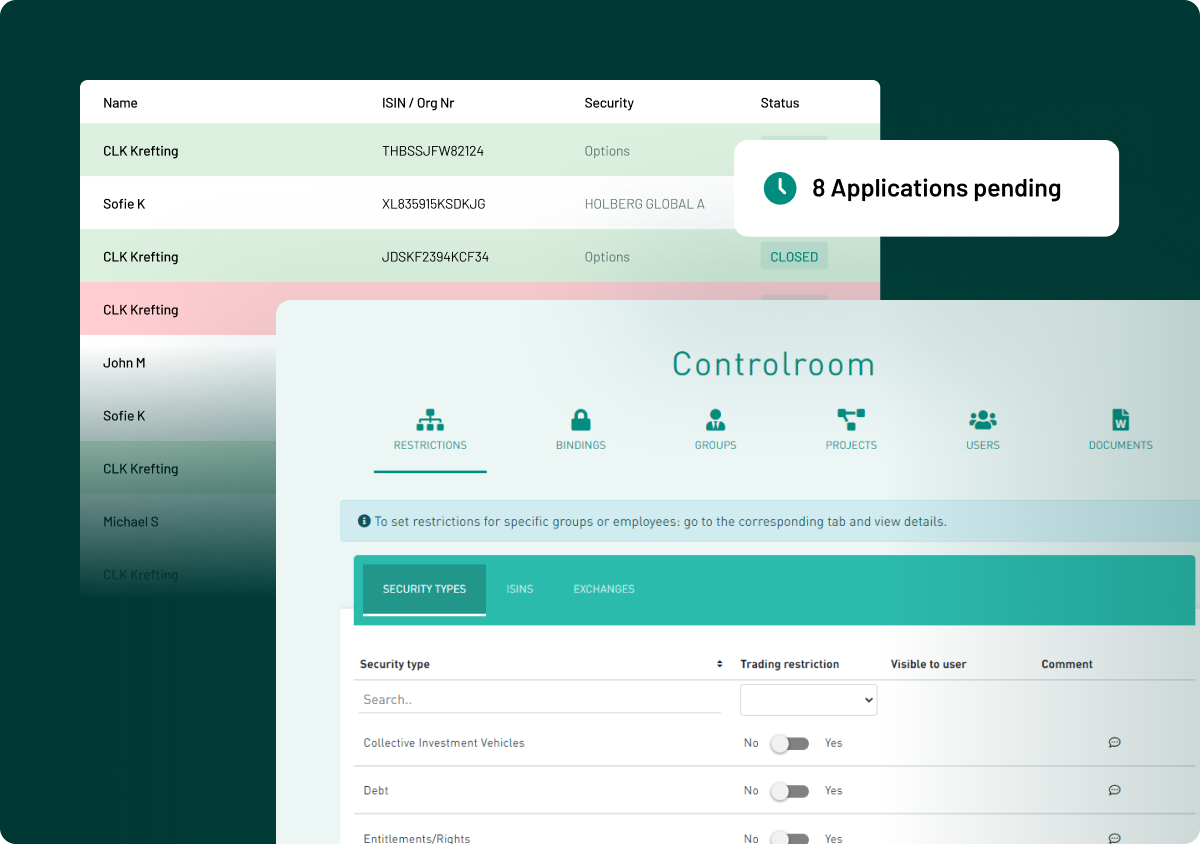
- Apply least-privilege access, granting users only the level of access required for their role. This reduces the chances of accidental disclosure.
- Use role-based and legal matter-based permissions to protect sensitive information. For example, partners may have broader access across a case, while associates, experts or support staff may only see the documents relevant to their task.
- Manage external users with care. This could include opposing counsel, external experts and advisors, who often need limited access to selected documents. Granular permissions allow you to share materials securely without exposing the entire content.
- Limit access, based on time or scope. You should automate the window for access to close when a review period ends, for example, or when a party is no longer associated with the matter at hand. This means that documents do not stay accessible for all parties on an ongoing basis.
- Prevent cross-matter contamination by setting separate permissions for each case. This means that users associated with one matter cannot view documents relating to another client or case.
Evidence and audit trails: Defensibility in practice
Simply having these document management procedures in place is not enough to prove your compliance. You also need to show how you handled the documents, who accessed them and how you prevented accidental disclosure.
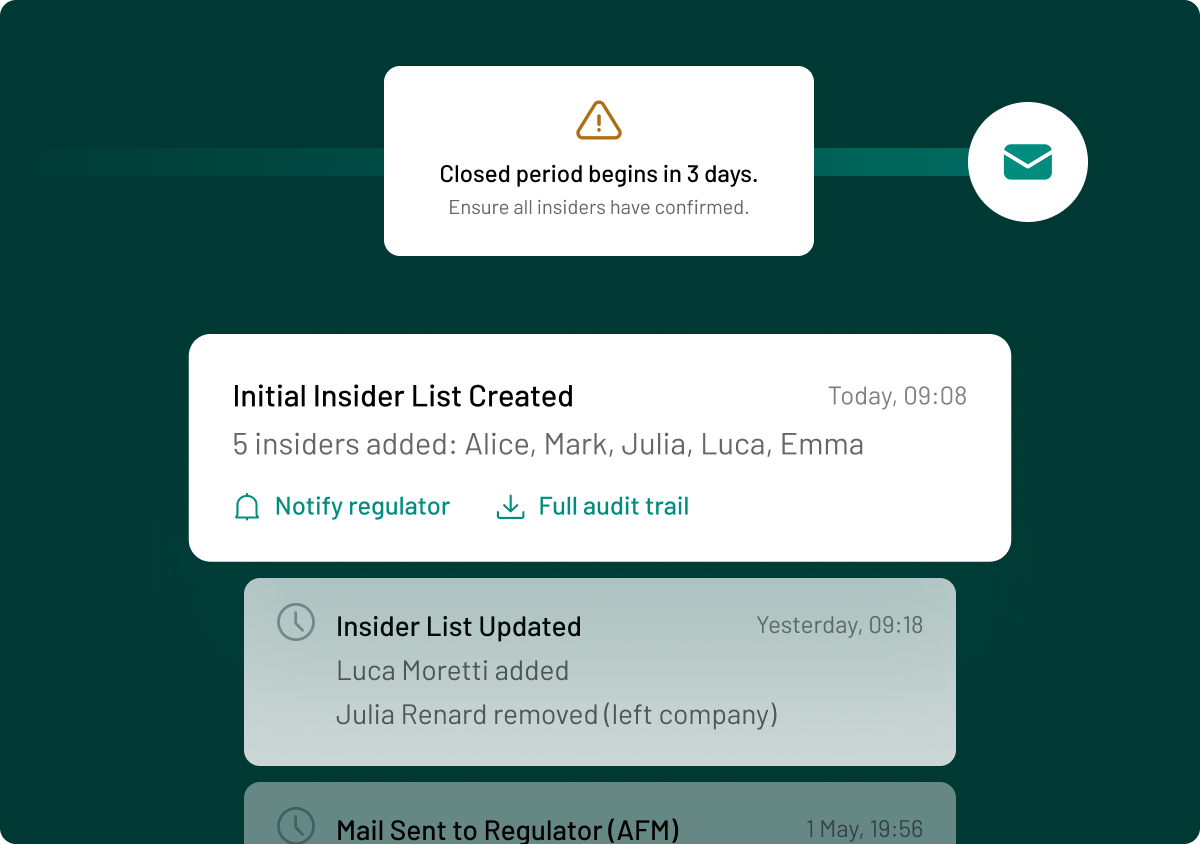
Access logs help you create an audit trail that you can use as evidence that you met your requirements with regard to security. During disputes and investigations, you might face questions about who accessed certain information and when. If you have a detailed access log, you can demonstrate that sensitive information was only available to authorised individuals.
Your VDR should provide this functionality, allowing you to evidence:
- Who viewed a document
- Who downloaded or printed it
- Whether anyone made changes or uploads
- Which users accessed specific folders and when.
This provides transparency about your processes, with each action in the data room being recorded with a precise time stamp and user identity.
If there is a dispute, you can use your VDR logs to show that your firm followed the proper processes when sharing information. This clear audit trail allows your team to demonstrate procedural integrity, proving you applied confidentiality controls, permission settings and disclosure practices correctly at each stage.
Enable secure document management with AdmincontrolAdmincontrol Virtual Data Room is created with both security and functionality in mind. For law firms, the granular permissions, access control and permanent redaction tools are essential elements for maintaining confidentiality during your cases. |
Checklist: Essential VDR features for law firms
Not all VDRs are built equally, so make sure you choose a solution that provides these essential features for legal teams:
- Searchable, irreversible redaction tools that prevent parties extracting data that you have hidden
- Granular permission and folder-level access controls to maintain security on sensitive data
- Three-layer encryption for documents at rest and in transit to prevent data leakage of sensitive information
- Multi-factor authentication that prevents unauthorised access to your systems
- Watermarking and download restrictions to ensure users only interact with your documents in the manner in which you intended
- Comprehensive audit logs and reporting that provide evidence you can use in the case of a dispute or investigation surrounding a case
- Secure export and long-term archiving that meets your GDPR obligations and makes it easy to refer back to previous cases in a secure manner when necessary in the future.
Common mistakes law firms make with VDRs
Here are some issues law firms face when using a VDR:
- Relying on visual or manual redaction that does not extract all of the data from the document, leaving it open to searchability and for users to copy and paste information you have tried to remove from view.
- Over-permissioning users so that unauthorised individuals can access details of cases that are of no relevance to them, allowing them to find information that they should not be able to see.
- Ignoring the risk metadata lurking within a document, allowing some users to find out information you have tried to delete or redact and which could constitute a breach of your obligation to withhold that data.
- Failing to preserve or export audit trails, meaning that you cannot prove that you took all necessary measures to maintain control over documents and who has access to them.
- Treating the VDR as IT infrastructure rather than a legal control, leading your firm to focus only on storage and file sharing, rather than using the platform to manage privilege, access rights and evidentiary records.
For law firms, a VDR is not just a convenient tool; it is part of the firm’s risk, confidentiality and evidence management framework. Using redaction, permissions and audit features properly helps reduce exposure and ensure defensibility in your processes, maintaining your legal standing and the trust and confidence of your clients.
FAQ
No. Visual redaction can often be reversed or exposed through metadata. Law firms should use irreversible, technology-based redaction to ensure users cannot access sensitive information.
Audit logs can help demonstrate who accessed documents and when, supporting defensibility in disputes or regulatory reviews.
NDAs do not prevent accidental disclosure. Permissions are a preventative control, not just a contractual safeguard, adding another level of security to your document management workflow.
In many cases, yes. You should, however, only retain documents if you do so in line with legal, regulatory and professional obligations.