









.png)




.svg)
.svg)
.svg)







.png)
.png)






.jpg)

%20F%20(1).jpeg)







.webp)






 Login
Login
.svg)

Role-based access
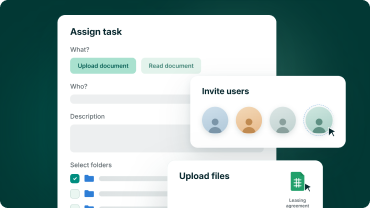
Assign one of five system roles, from read-only to full administrator, or build custom user roles that match how your board actually works.

Folder-level control
Set access at area level or drill into a single subfolder, and linked meeting information follows the same rule.

Individual exceptions
Restrict one person's access to a specific folder for conflict of interest or remuneration discussions, without changing their role or affecting anyone else.

Lifecycle control
Invite, deactivate and reactivate users as membership changes, and a reactivated member returns with exactly the access they had before.
Role structure
Set system roles and user roles for clear document access
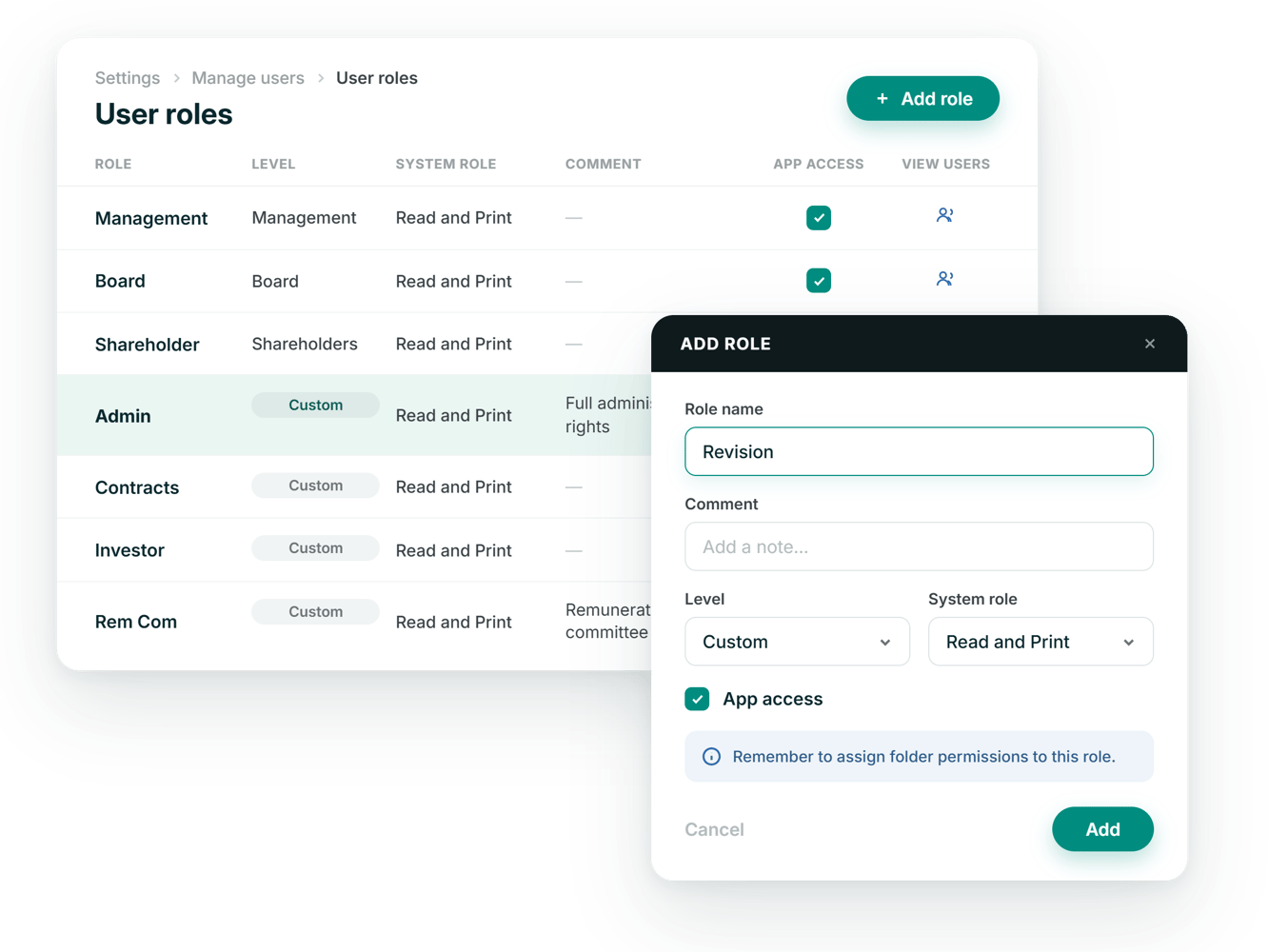
Every user carries one system role, from Read Only through to Administrator, that sets what they can do with content. User roles sit alongside it: named groups you create, each with its own default system role and its own folder access, so you manage the group rather than every board member one by one.
- Five system roles, from view-only to full administrator
- Custom user roles named and levelled for your board
- A default system role assigned automatically to each user role
Folder permissions
Set access by area, or drill into a single subfolder
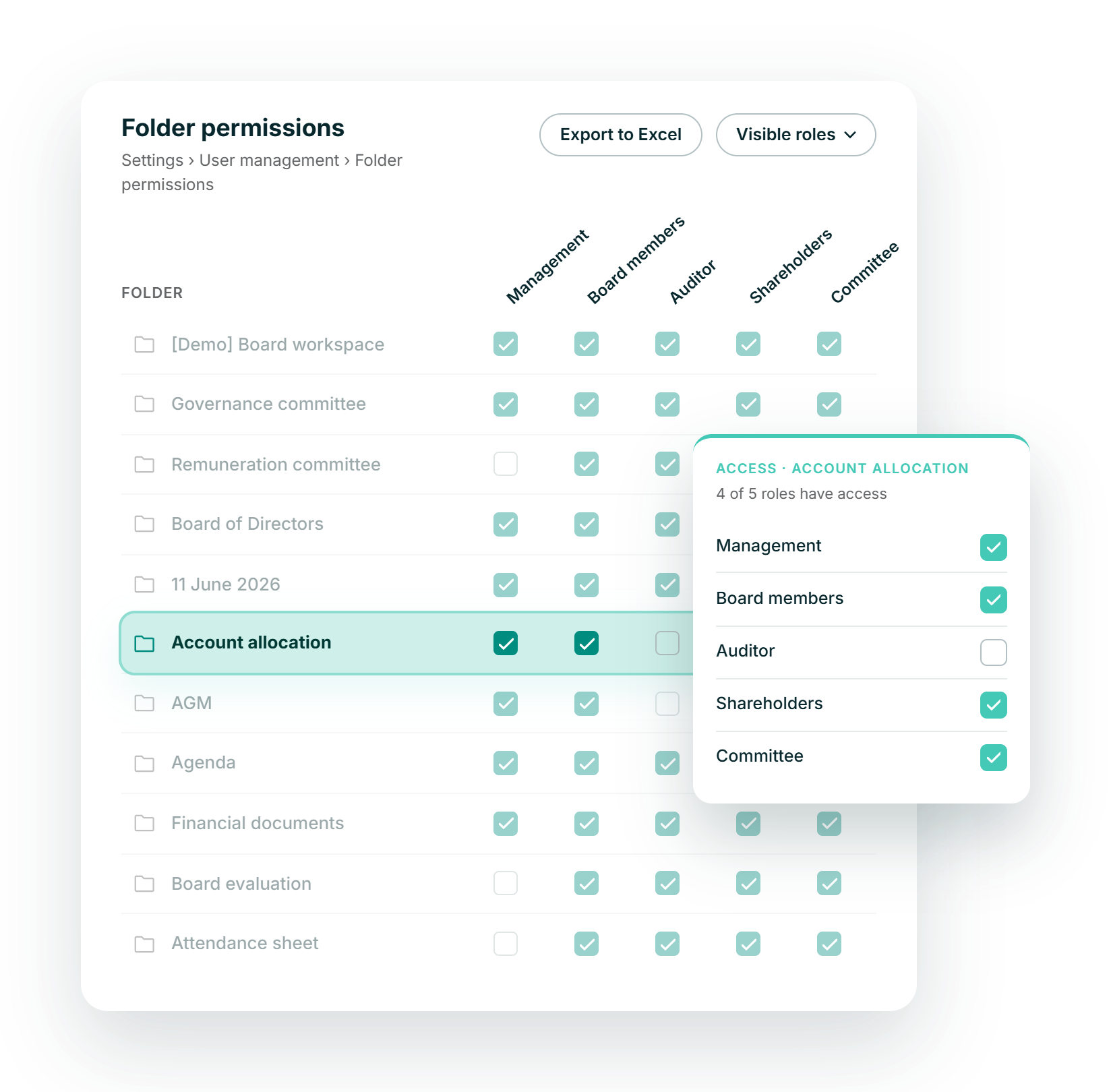
The permissions grid lists every area and subfolder against every user role, with a checkmark wherever a role has access. Select just the one subfolder that should be visible and Access Control marks its parent folders automatically, so nothing above it is exposed by mistake.
- Grant access to a whole area or one subfolder
- Meetings tied to an area follow the same access
- A filter to find the right role in a long list
.png?height=1000&name=access-controls-feature-images-stylised-en-selection%20(1).png)
Individual exceptions
Restrict access to specific folders
Some material, a conflict of interest or a remuneration discussion, should stay away from one person rather than an entire role. Untick them on that folder alone: they keep every other permission their role grants, seeing that the related meeting happened but not its attached documents.
- Restrict a named person from a single folder
- Every other permission from their role still applies
- They see the agenda item exists, not its attachments
.png?height=1000&name=access-controls-feature-images-stylised-en-selection%20(3).png)

ISO 27001:2022
Information security, independently checked

GDPR compliant
Meets EU data-protection standards by design

AES 256-bit
Bank-level ecryption.

European data residency
Hosted & processed entirely in the EEA