









.png)




.svg)
.svg)
.svg)







.png)
.png)





.jpg)

%20F%20(1).jpeg)







.webp)






 Login
Login
.svg)
.png)

Owners, not reminders
Every upload and every review sits with a named person inside the data room, so the chasing stops being an email thread.

Assign in bulk
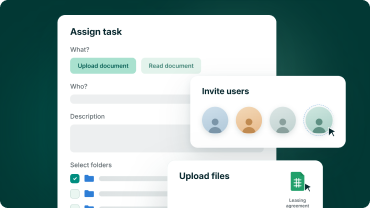
Select several folders at once and one task is created per folder, instead of raising each of them by hand.

Status at a glance
Filter the task list by open, completed or all statuses, and read it in the same folder order as the data room.

Evidence on record
Upload and reading task reports sit in the report section and travel with the data room export when the deal closes.
Task types
Two task types cover what a due diligence actually asks for
An upload task asks someone to fill a folder. A reading task asks someone to review what is already in it, either the whole folder or named files.
- Upload tasks point at a folder, not a file list
- Reading tasks cover a whole folder or selected files
- New uploads can join an open reading task automatically
.png?height=1000&name=task-management-feature-images-stylised-en-selection%20(1).png)
rOLES AND CONTROL
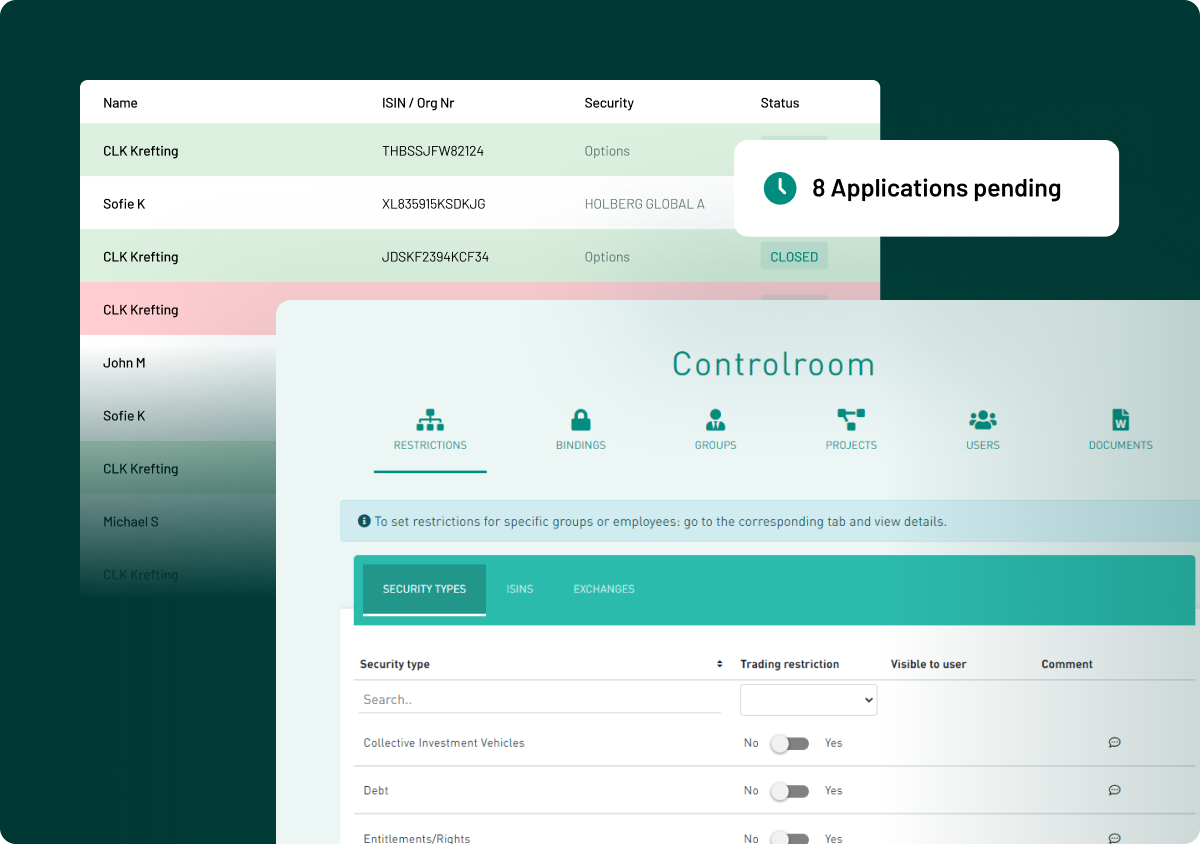
Decide who can assign tasks, user group by user group
Administrators are task managers by default and cannot be removed. Everyone else is granted the right explicitly, either at invitation or later from the settings.
- Mark a user as task manager when you invite them
- Enable or disable task managers per user group
- Buyer teams receive reading tasks from their own task manager
.png?height=1000&name=task-management-feature-images-stylised-en-selection%20(2).png)
oVERSIGHT
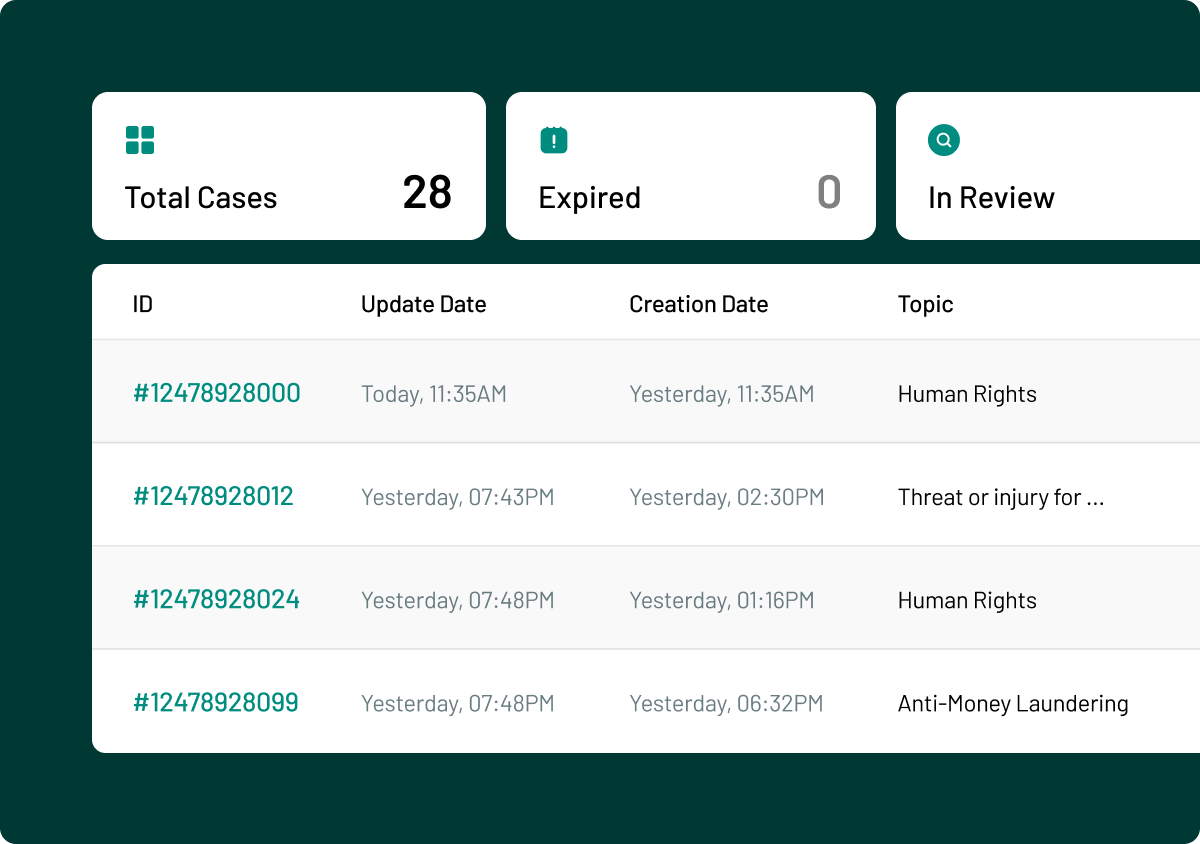
One list of every open task and a task report
Task managers switch between their own tasks and everything assigned to others, and act on several at once. The report section keeps the record after the deal closes.
- Edit, cancel, complete or reopen several tasks together
- Sort and filter by open, completed or all statuses
- Upload and reading reports included in the data room export
.png?height=1000&name=task-management-feature-images-stylised-en-selection%20(3).png)

ISO 27001:2022
Information security, independently checked

GDPR compliant
Meets EU data-protection standards by design

AES 256-bit
Bank-level encryption.

European data residency
Hosted & processed entirely in the EEA

SOC 2 Type II
Independent audit of controls in operation