









.png)




.svg)
.svg)
.svg)






.png)
.png)



.jpg)
%20F%20(1).jpeg)







.webp)






 Login
Login

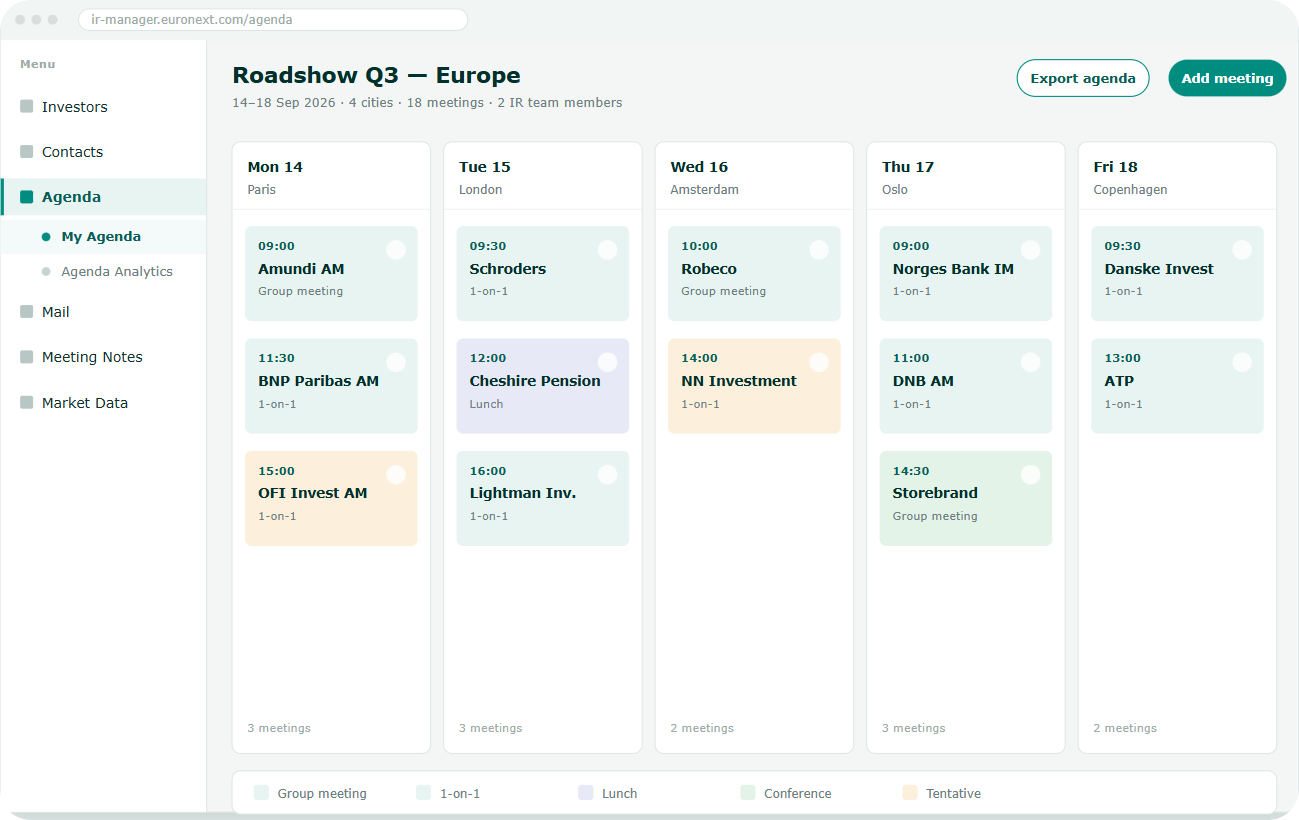
No more double entry
The Outlook connection automatically logs every meeting in the IR.Manager Agenda.

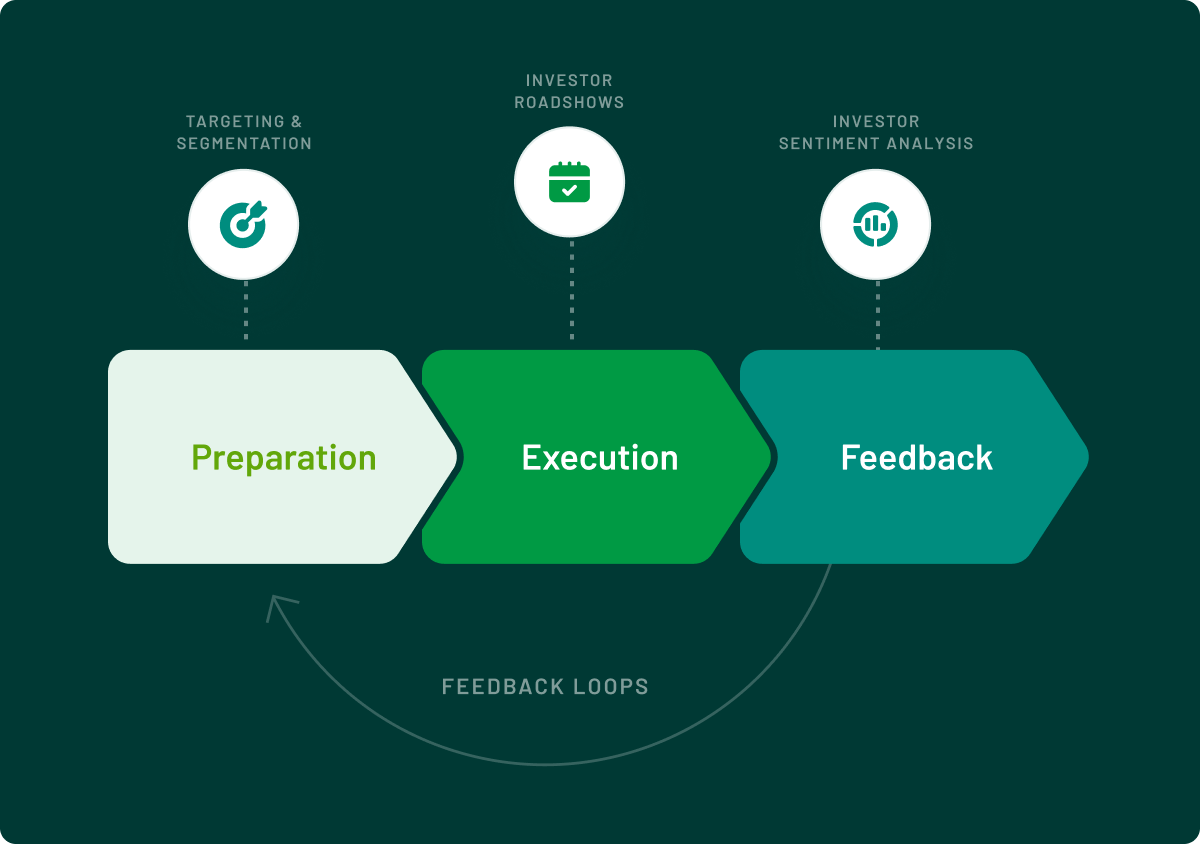
A consolidated roadshow view
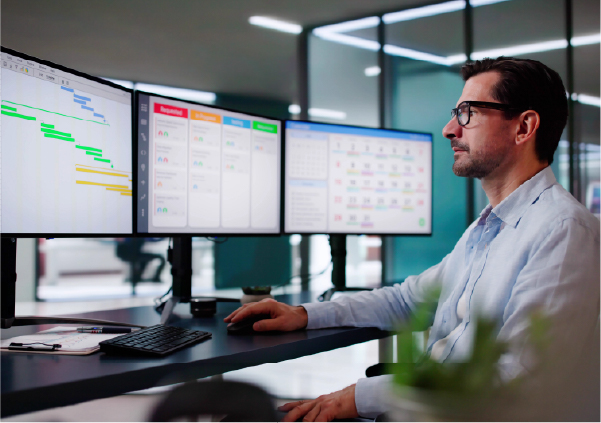
Attach each meeting to its corresponding conference or roadshow.

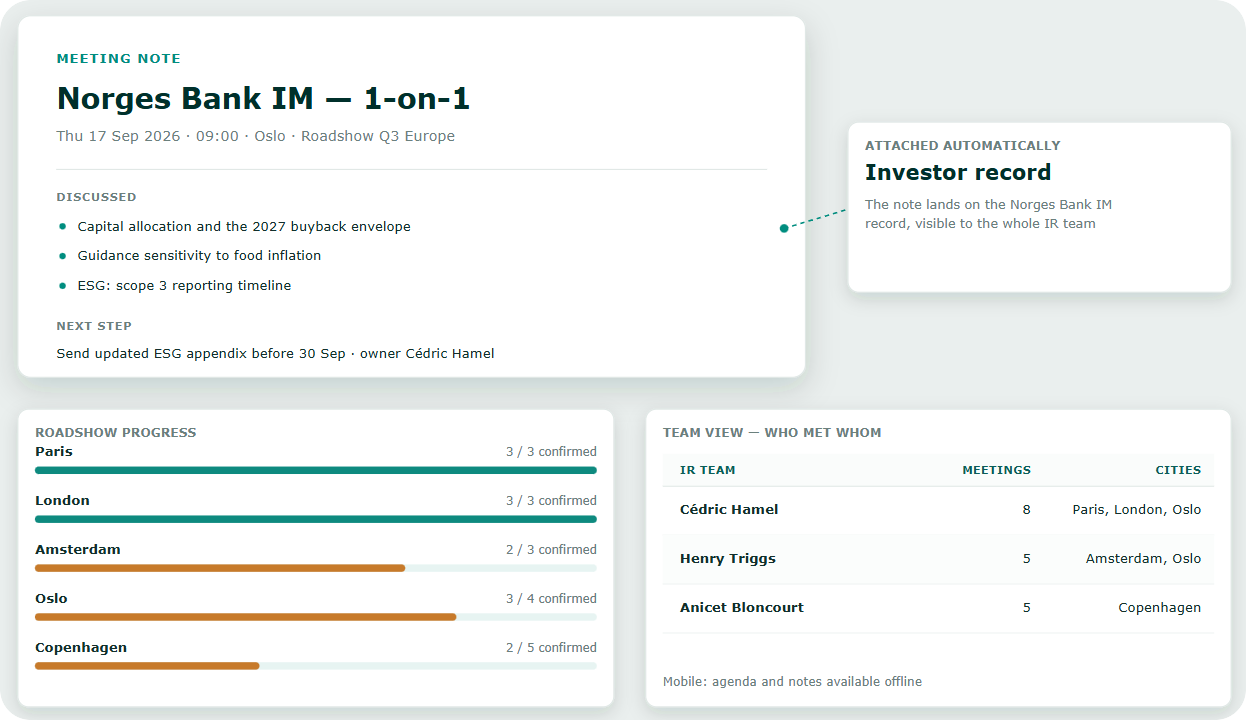
Briefing Notes ready to use
Meeting notes, history and holdings graph brought together before every meeting.

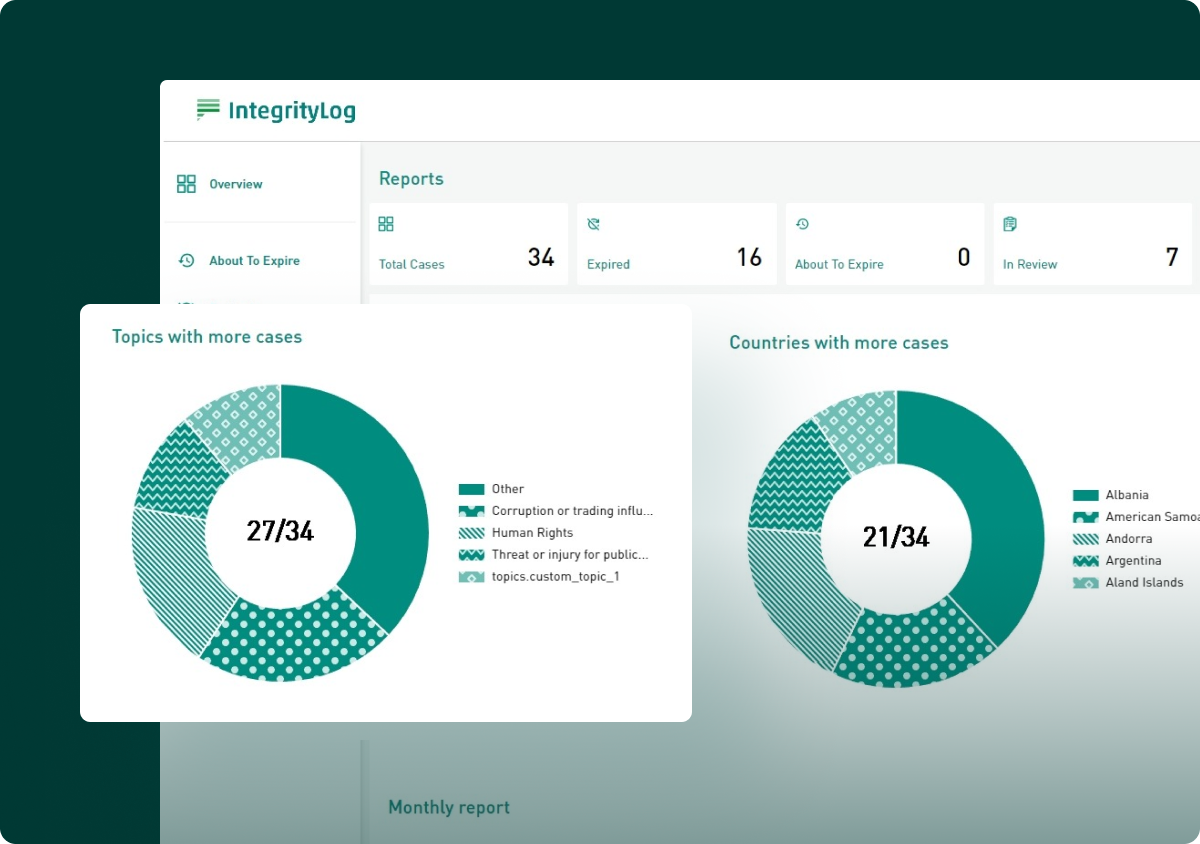
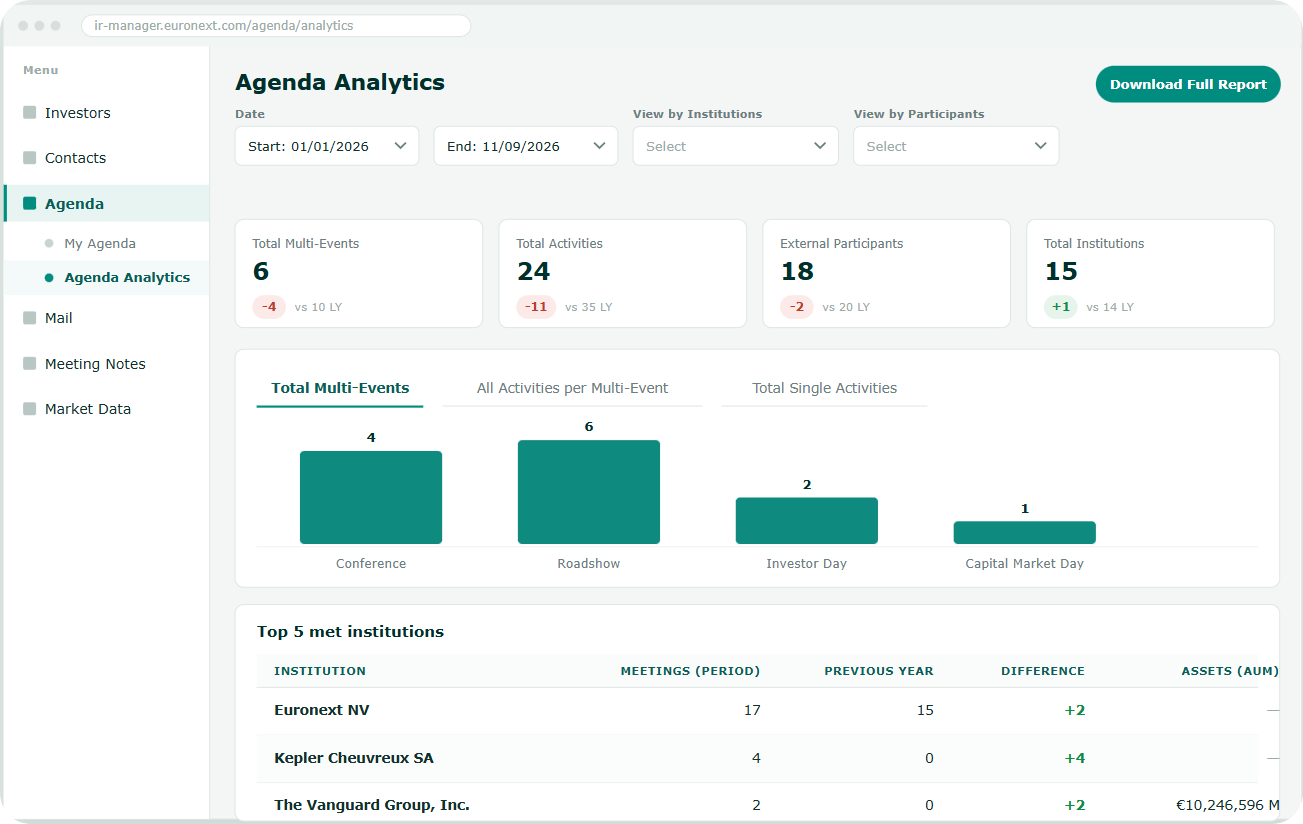
Measure every trip
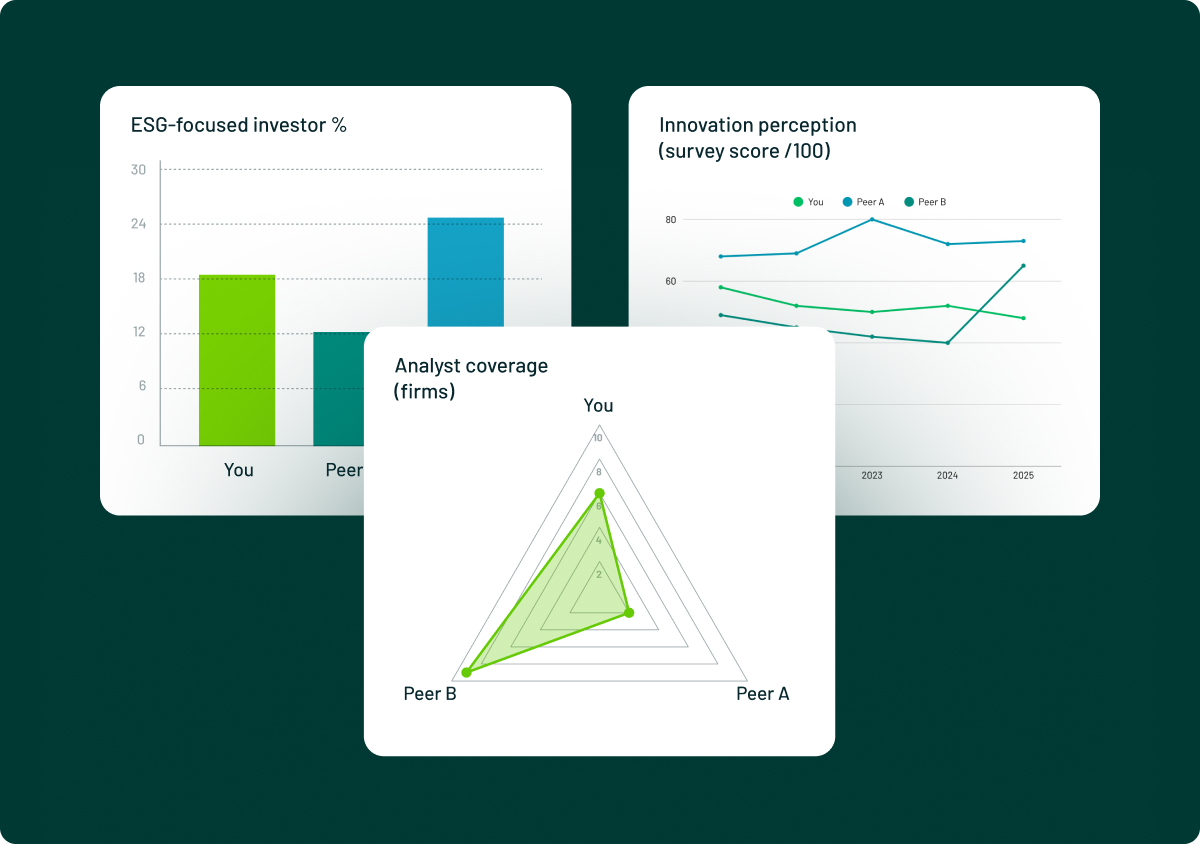
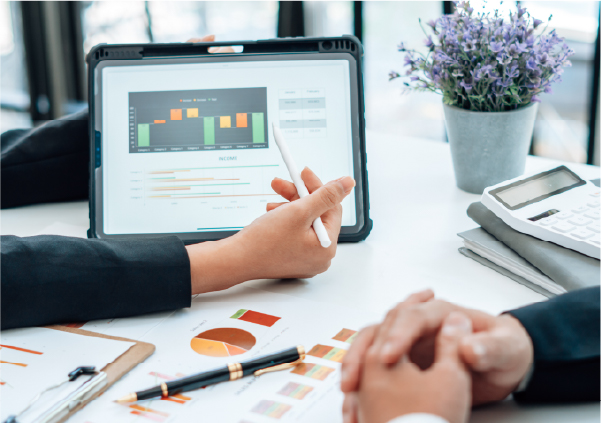
A dedicated dashboard to analyse participants, institutions met and outcomes.
OUTLOOK CONNECTION
Every meeting created in Outlook automatically joins the Agenda
Sync always runs from Outlook to IR.Manager. Simply add the IR.Manager Agenda address, provided by your Account Manager, in copy on each invitation.
- Automatic sync from the Outlook calendar
- Confirmation email sent by IR.Manager after each record is created
- A single meeting can be attached to a roadshow or conference
BRIEFING NOTES & ANALYTICS
A complete briefing note, a dashboard to measure the impact
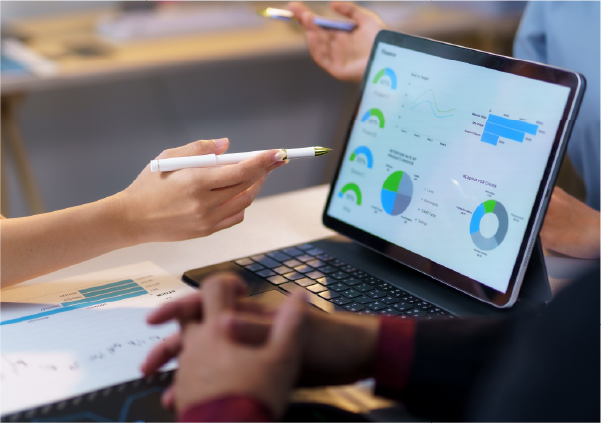
Meeting notes, history and the holdings graph come together in the Briefing Note before every meeting; after the roadshow, the Agenda dashboard measures the whole set of interactions.
- Meeting notes visible in the Briefing Note, with full history
- Holdings graph and group holdings table available on demand
- Dashboard by event and participant, with Excel export
Mobile access
Schedule available from any device

EU hosting
Schedule data hosted within the European Union
Role-based access
Schedule and note visibility defined by user

Outlook sync
Every meeting created in Outlook joins the Agenda automatically