









.png)




.svg)
.svg)
.svg)







.png)
.png)






.jpg)

%20F%20(1).jpeg)







.webp)






 Login
Login
.svg)
.png)

Less time preparing
Start from the last agenda instead of a blank page, and put the time you save into the content.

Meetings that keep time
Set a duration or an end time on each item, and see how much of the meeting is left as you plan.

Clearer decisions
A proposed resolution on every item tells directors what they are being asked to approve before they arrive.

Consistent across committees
Numbering style and layout settings carry to the next meeting, so every board and committee agenda looks the same.
REUSE & STRUCTURE
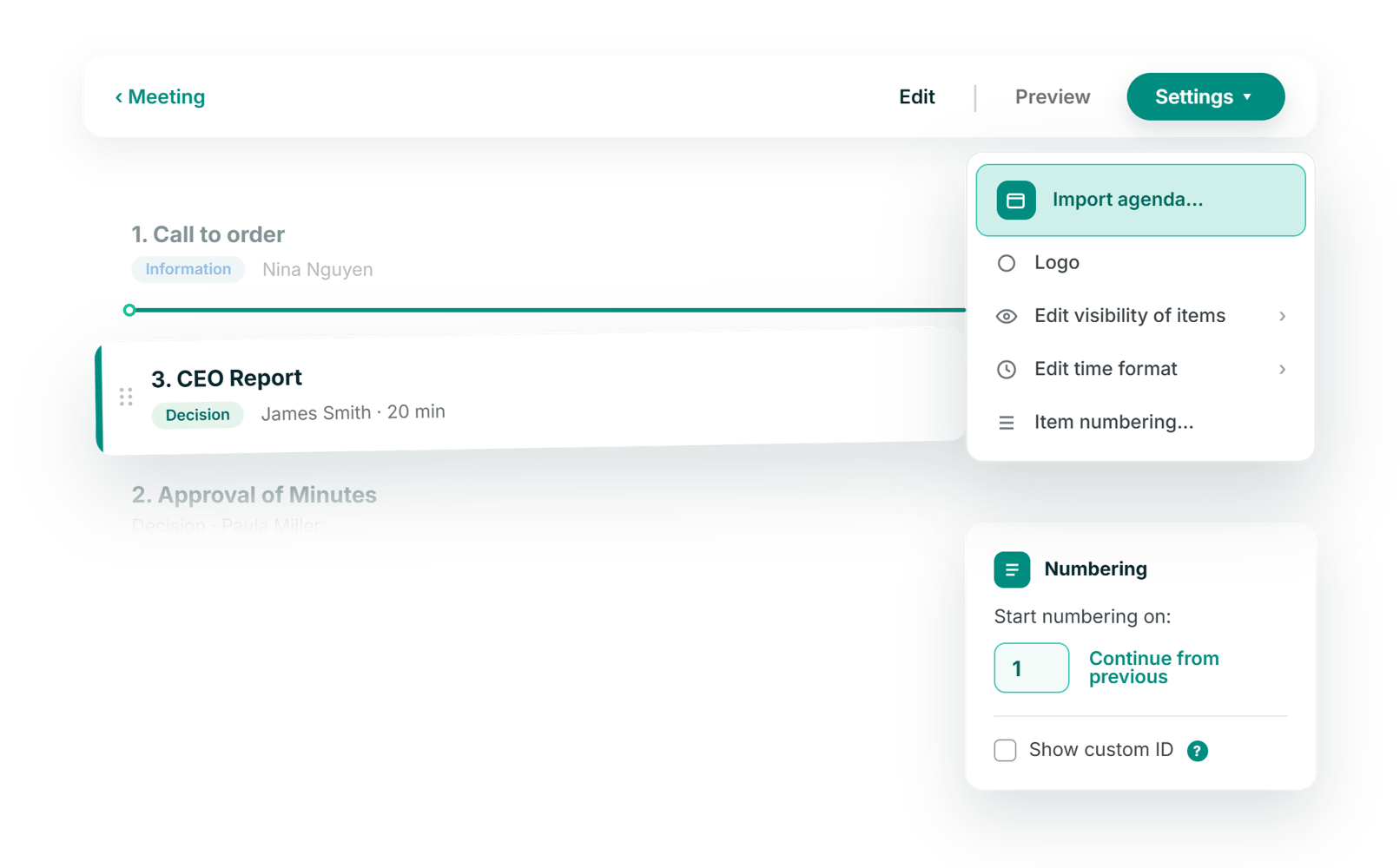
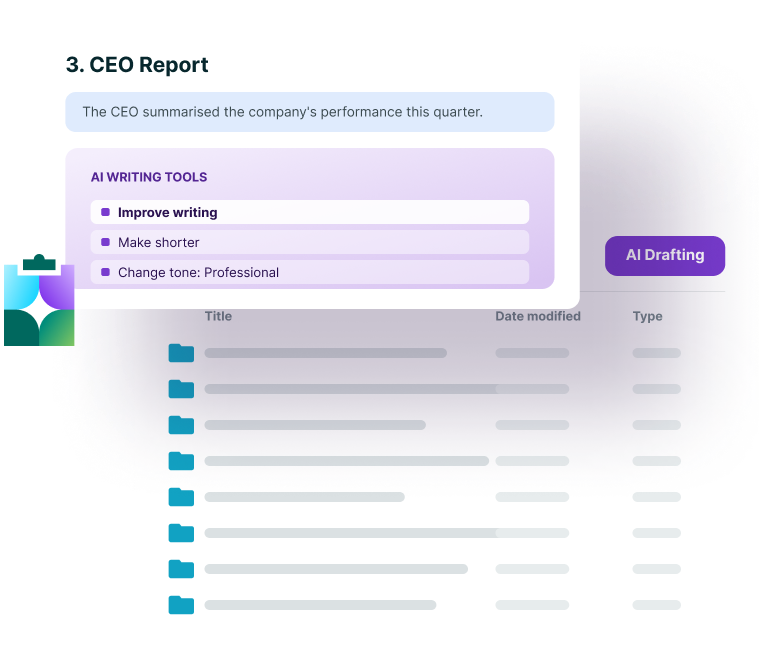
Last meeting's agenda is the fastest first draft of this one
Import the agenda from a previous meeting and everything except the attached documents comes across. Amend, delete and reorder items by dragging them where they belong, and let numbering continue from the last meeting so the sequence stays unbroken across the year.
- Import a previous agenda and edit only what changed
- Drag and drop to reorder items at any point
- Numbering that continues from the previous meeting

ITEM DETAIL
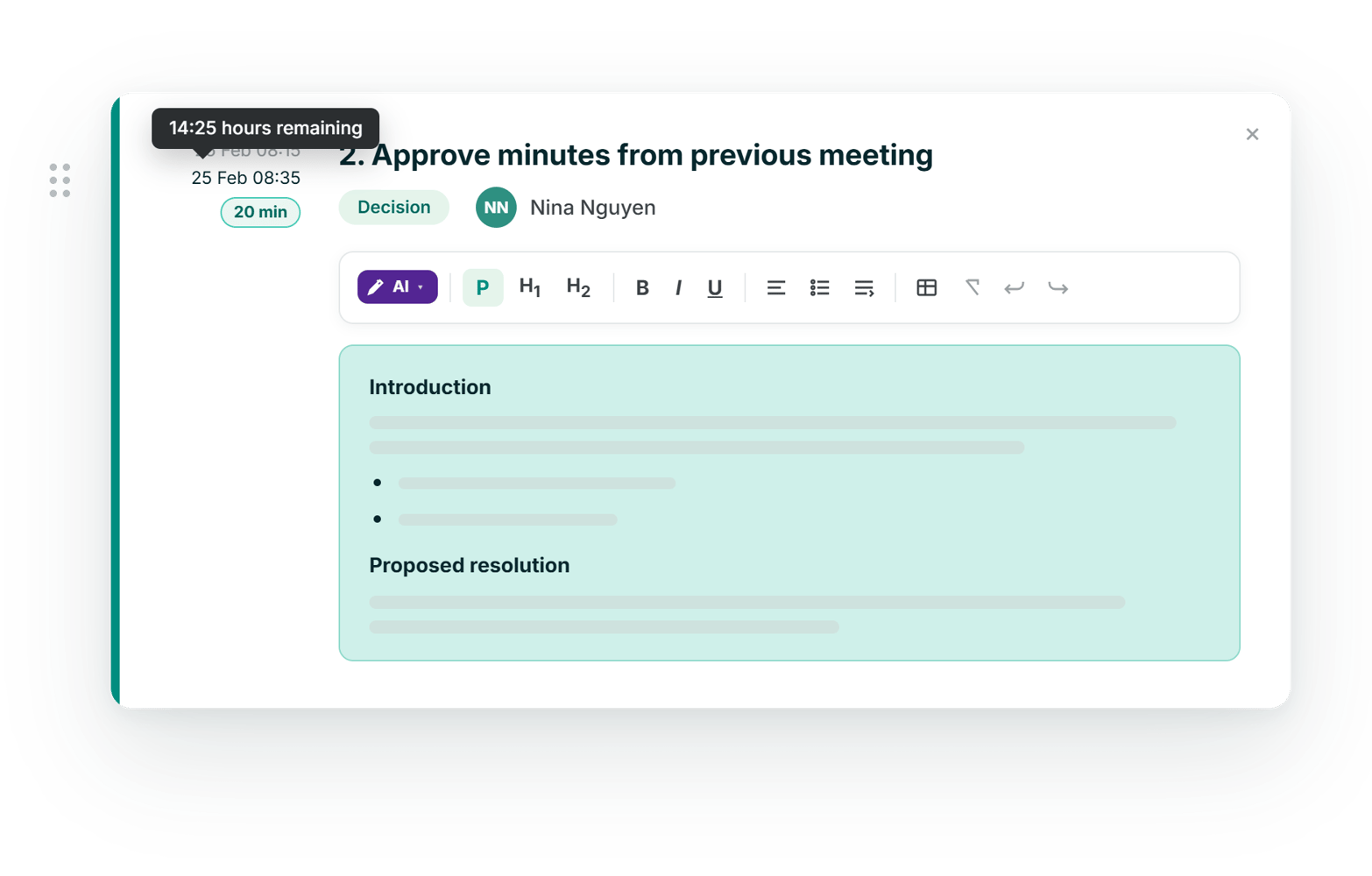
An agenda item that explains itself before anyone speaks
Each item carries its own description and proposed resolution, with headings, tables and multi-level lists where the detail needs structure. Allocate a duration or an end time, and the builder tracks what is left of the meeting as you go.
- Description and proposed resolution on every item
- Duration or end time, with remaining time tracked
- Presenter and item type, including unnumbered breaks
PAPERS & PERMISSIONS
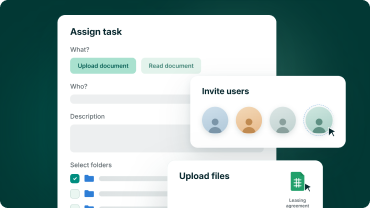
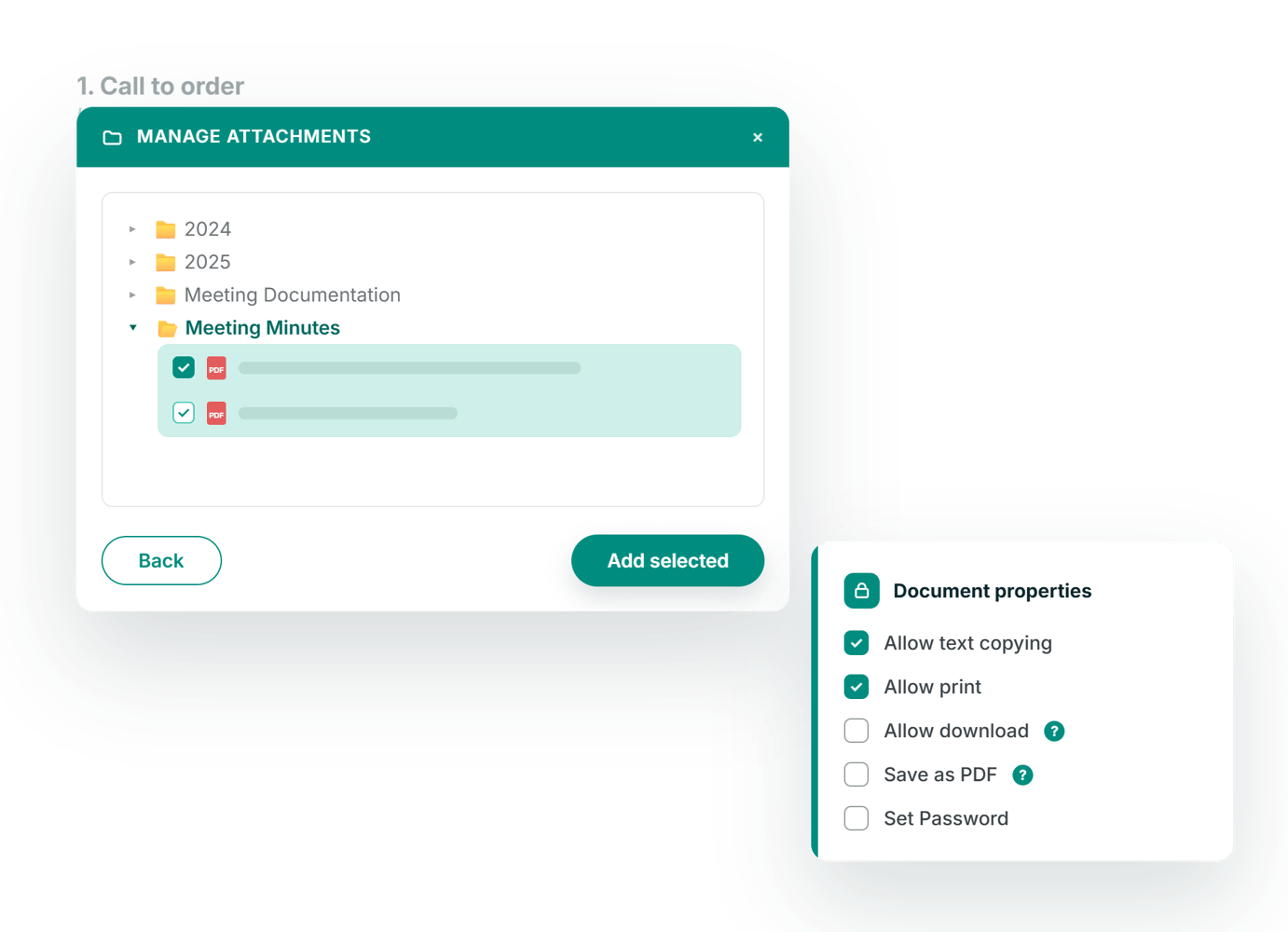
Attach the papers to the item, not to the email
Attach documents that already sit in the portal, or upload new ones and choose the folder they are stored in. Print and download permissions are set as you attach, so the meeting book behaves the way your information policy requires.
- Attach existing portal documents or upload new files
- Choose or create the folder each upload lands in
- Print and download permissions set per document

ISO 27001:2022
Information security, independently checked

GDPR compliant
Meets EU data-protection standards by design

AES 256-bit
Bank-level ecryption.

European data residency
Hosted & processed entirely in the EEA