









.png)




.svg)
.svg)
.svg)







.png)
.png)






.jpg)

%20F%20(1).jpeg)







.webp)






 Login
Login
.svg)
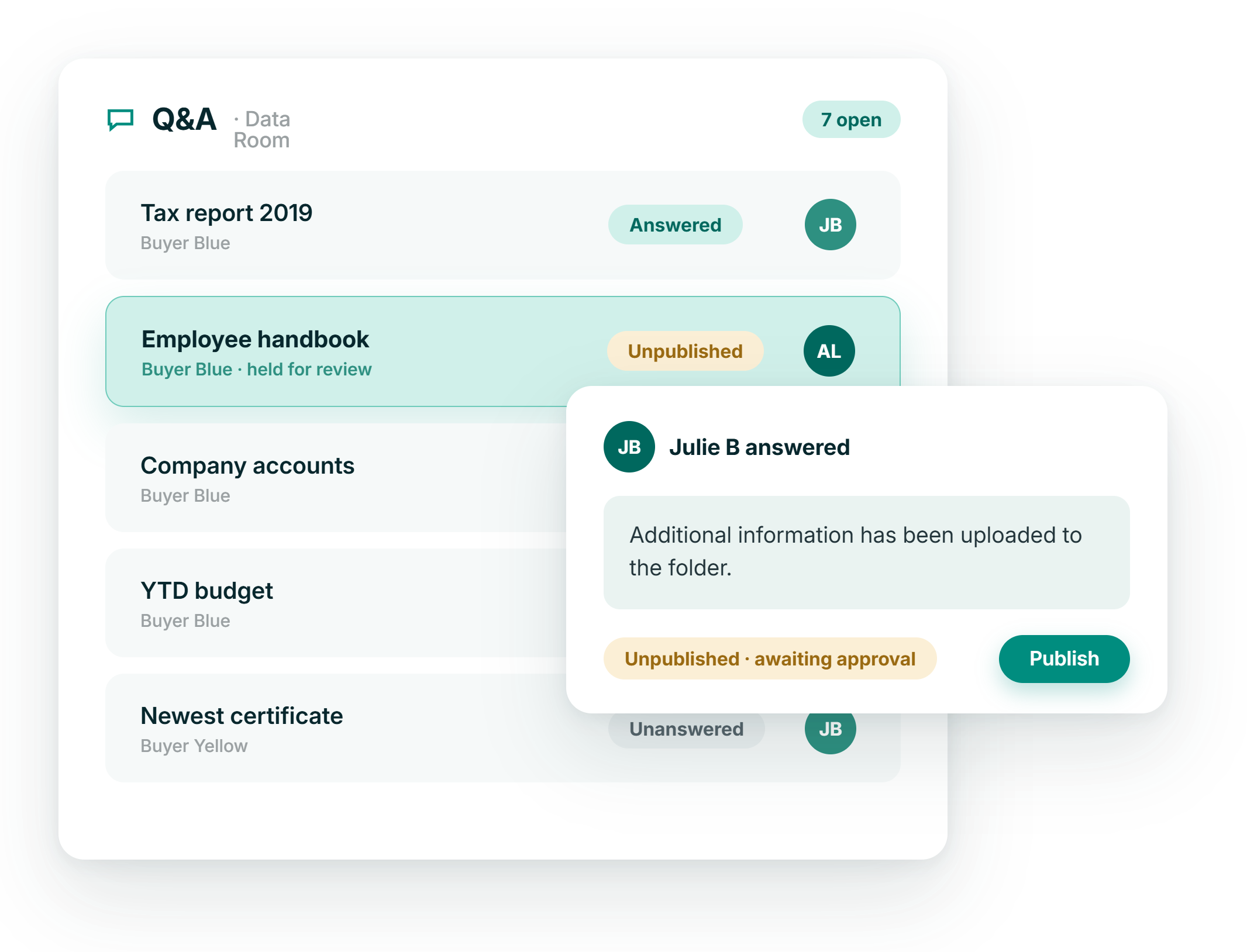

Questions in context
Each question sits in the folder it concerns, with its answer, attachments and follow-ups in the same thread.

Bidders kept apart
Buyer groups never see each other's questions or answers, while your side keeps one view across every group.

Fewer repeat answers
Categories, filters and configurable columns show what has already been asked, so the same answer is not written twice.

The closing record
Export every question and answer to Excel at any point, for the deal file, the closing binder or a later review.
Question intake
Load a full question list in one go, or ask as you read
Buyers can add questions folder by folder as they work through the documents, or prepare the whole list offline. Download the folder structure as an Excel file, type the questions against the folders they belong to, and import the lot in a single upload.
- Questions added directly in the folder under review
- Priority, category and an attachment on each question
- Bulk import of a prepared question list
.png?height=1000&name=qa-management-feature-images-stylised-en-selection%20(1).png)
Answers & owners
Route each question to the person who should answer it
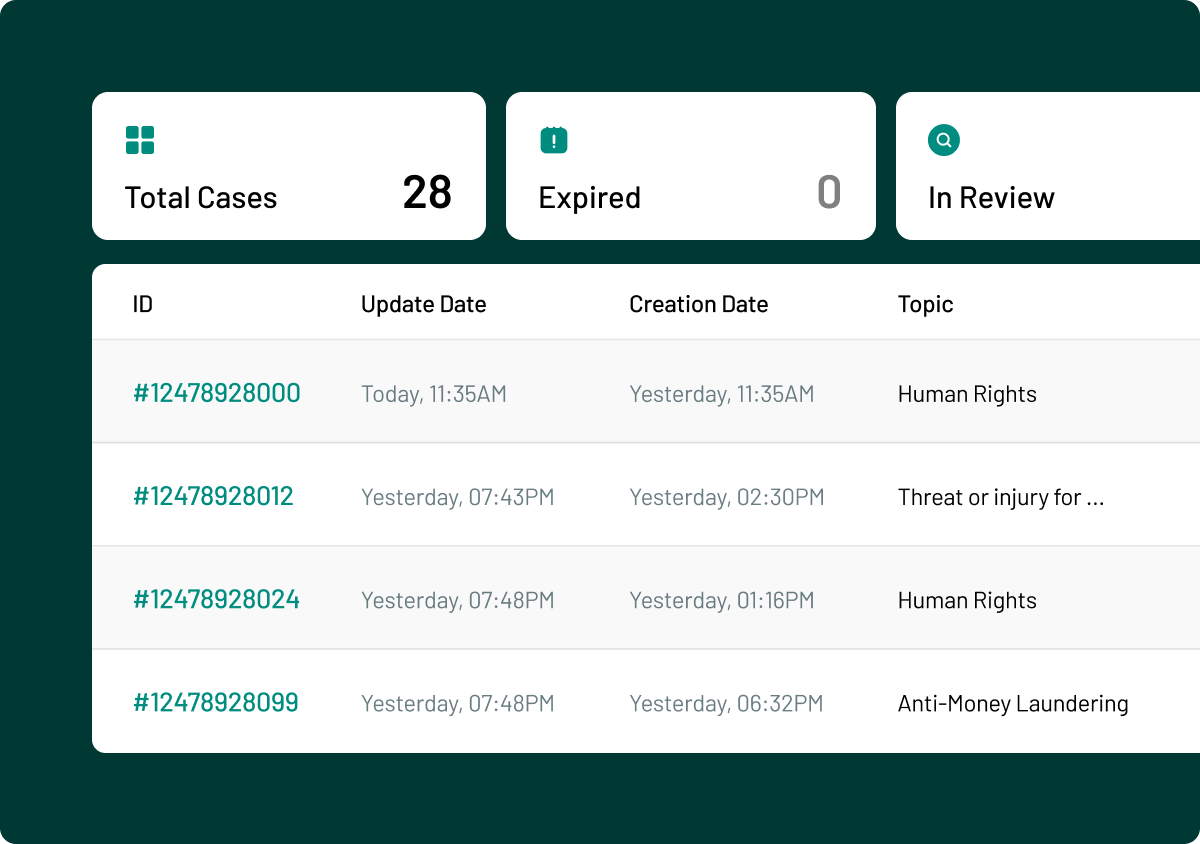
Seller-side users see every question from every buyer group in one list. Assign a responsible owner, notify them by email, and answer in the thread with a document already in the data room or a new upload.
- Assign a responsible owner and notify by email
- Attach a file from the data room or upload a new one
- Share an attachment with one buyer group or all
.png?height=1000&name=qa-management-feature-images-stylised-en-selection%20(2).png)
Gatekeeper view
Nothing crosses to the other side until a reviewer approves it
Turn on gatekeeper review for the buyer side, the seller side or both. Questions and answers stay unpublished until a gatekeeper has read them, so scope, wording and category are checked before anything is released.
- Review on the buyer side, seller side or both
- Publish, edit or delete an answer before release
- Unlimited gatekeepers in one data room
.png?height=1000&name=qa-management-feature-images-stylised-en-selection%20(3).png)

ISO 27001:2022
Information security, independently checked

GDPR compliant
Meets EU data-protection standards by design

AES 256-bit
Bank-level encryption.

European data residency
Hosted & processed entirely in the EEA

SOC 2 Type II
Independent audit of controls in operation