










.png)





.svg)
.svg)
.svg)







.png)
.png)







.jpg)

%20F%20(1).jpeg)







.webp)





 Login
Login
.svg)
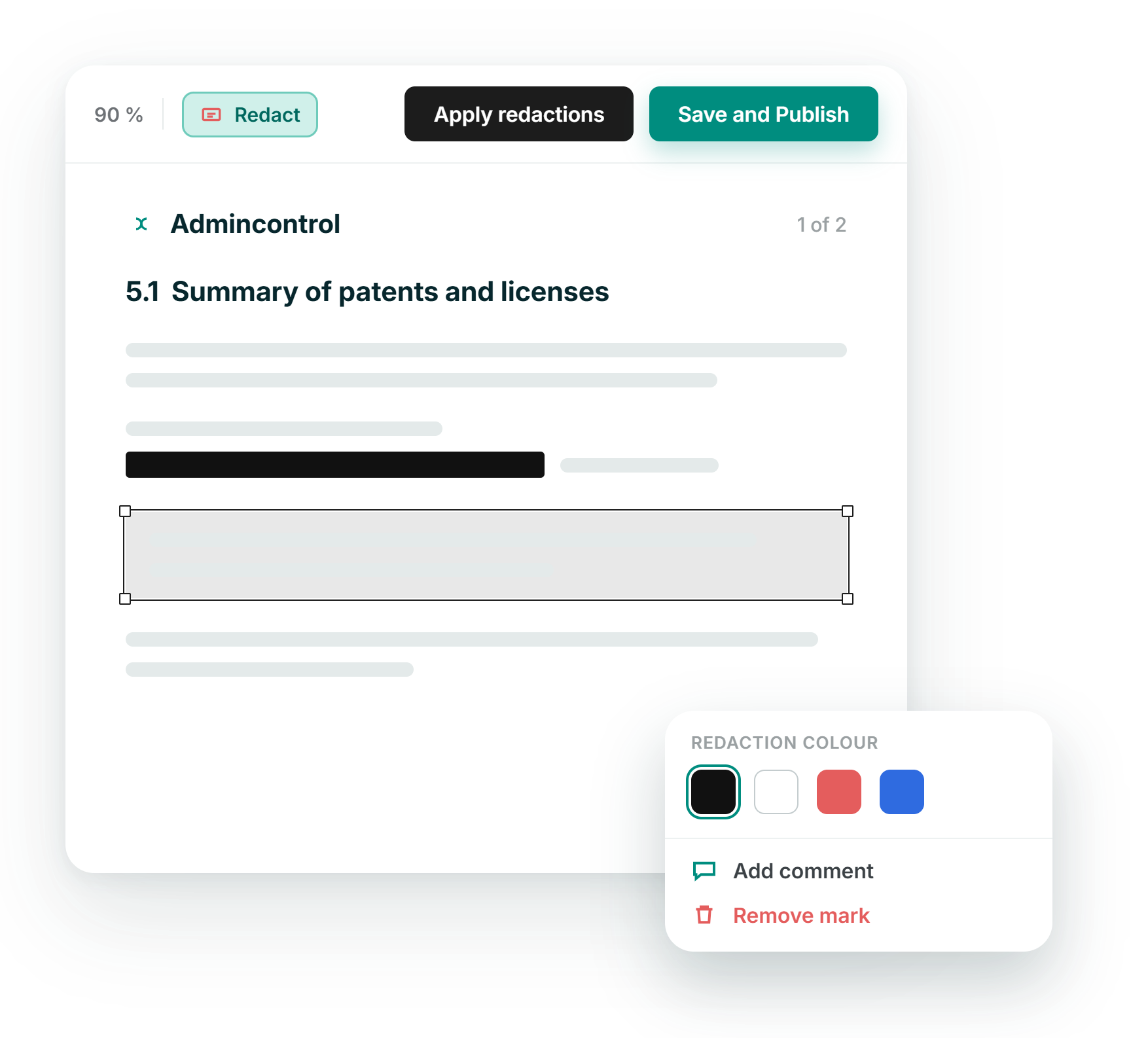

Two ways to redact
Mark content by hand, or search a term and redact every match across the document in one action, then apply when you are ready.

Gone, not hidden
Applied redactions remove the underlying text and images from the file, so nothing can be copied out or recovered from behind a black box.
A record of every redaction
Each redaction is written to the document's history with the person and the time, giving you a defensible trail if a disclosure is ever questioned.

Reserved for administrators
Only seller and content administrators can redact, so sensitive edits stay with the people responsible for the data room, not the wider buyer side.
SEarch & redact
Find every instance of a name or figure and redact it in one pass
Manual marking is precise, but sensitive terms often repeat across a long document. Search for a party name, a price or an address, review the matches, then apply redactions to all of them together. You can run several searches before you commit.
- Search a term and mark every occurrence at once
- Stack multiple searches before applying redactions
- Combine search results with content marked by hand
.png?height=1000&name=redaction-feature-images-stylised-en-selection%20(1).png)
Signed documents
Redact a signed document when disclosure requires it, with eyes open
Redaction is switched off for signed documents by default, because removing content invalidates the signature. Where a signed file has to be shared with sensitive parts removed, an administrator can turn redaction on in the data room's settings. The platform warns first, and the signature is then permanently invalidated.
- Signed and password-protected files are excluded by default
- Enable redaction for signed files in Redaction settings
- A clear warning shows before the signature is invalidated
.png?height=1000&name=redaction-feature-images-stylised-en-selection%20(2).png)
Audit & versions
Keep a defensible record and catch every version that needs redacting
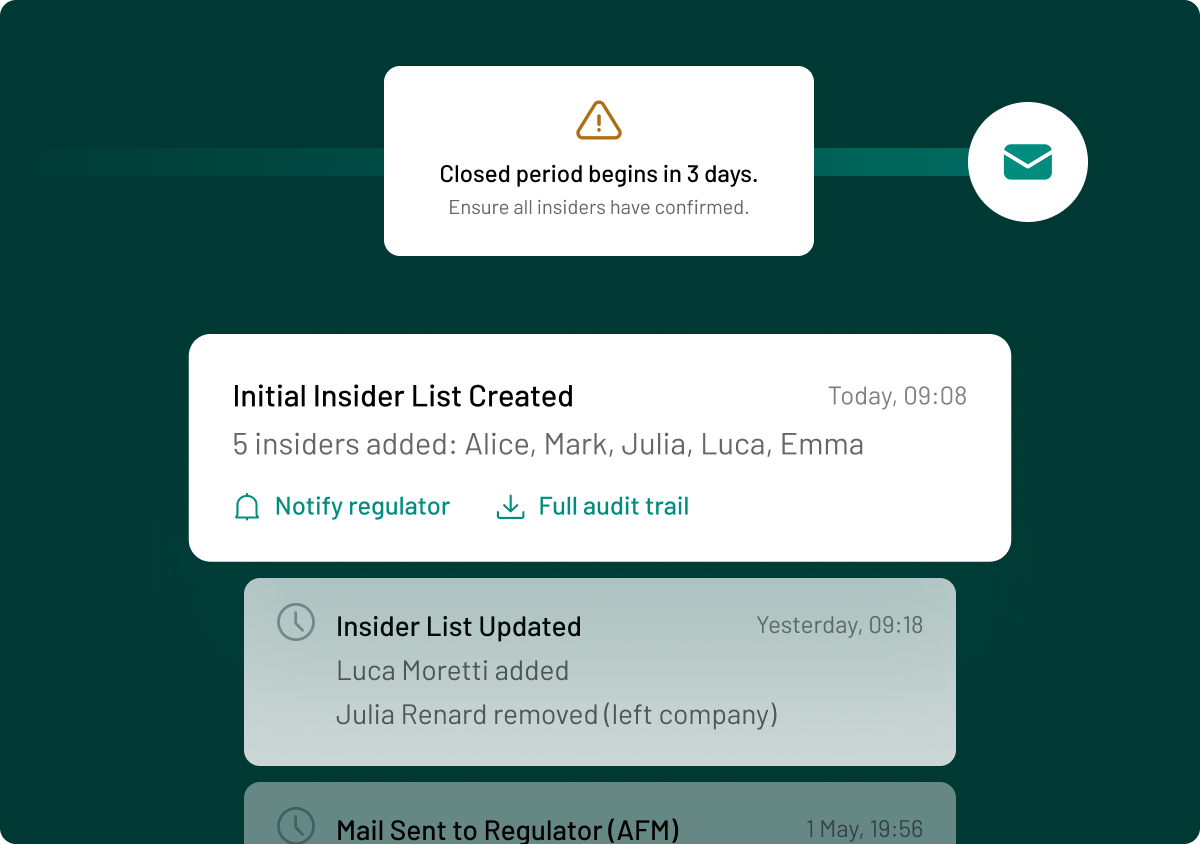
Once a document is redacted, the action is recorded against the file with the person and the time, so you can show what was removed and by whom. Where a document exists in several versions, you are told before you start, so every version that needs redacting is covered. Copies are redacted separately.
- See who redacted a document and when, in its history
- Get a prompt when other versions of a file exist
- Redact each copy of a document on its own
.png?height=1000&name=redaction-feature-images-stylised-en-selection%20(3).png)

ISO 27001:2022
Information security, independently checked

GDPR compliant
Meets EU data-protection standards by design

AES 256-bit
Bank-level encryption.

European data residency
Hosted & processed entirely in the EEA

SOC 2 Type II
Independent audit of controls in operation