









.png)




.svg)
.svg)
.svg)







.png)
.png)






.jpg)

%20F%20(1).jpeg)







.webp)






 Login
Login
.svg)

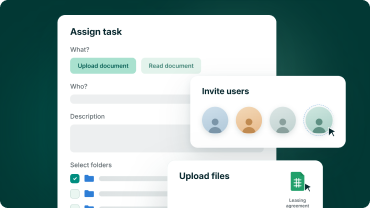
Set up once
Access is defined by role, so adding another bidder to the process means one new role and a list of email addresses.

Precision without spreadsheets
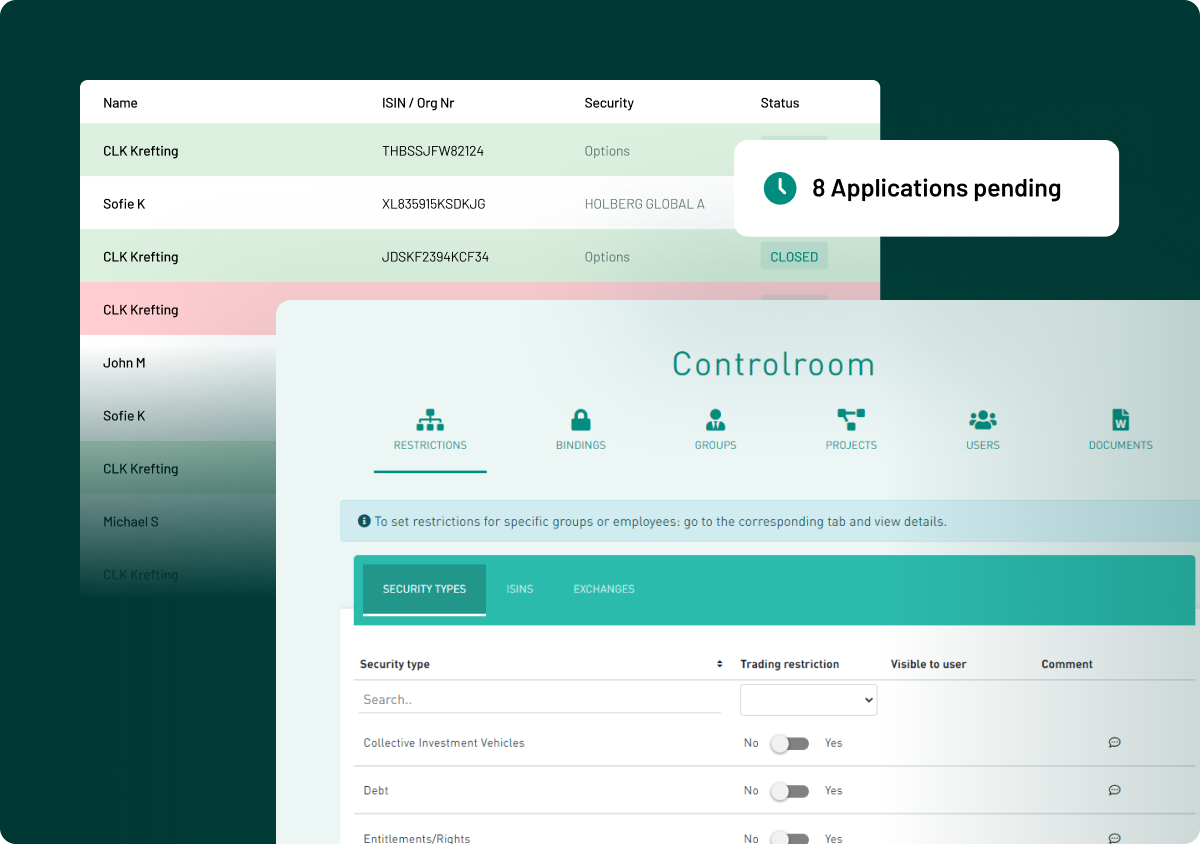
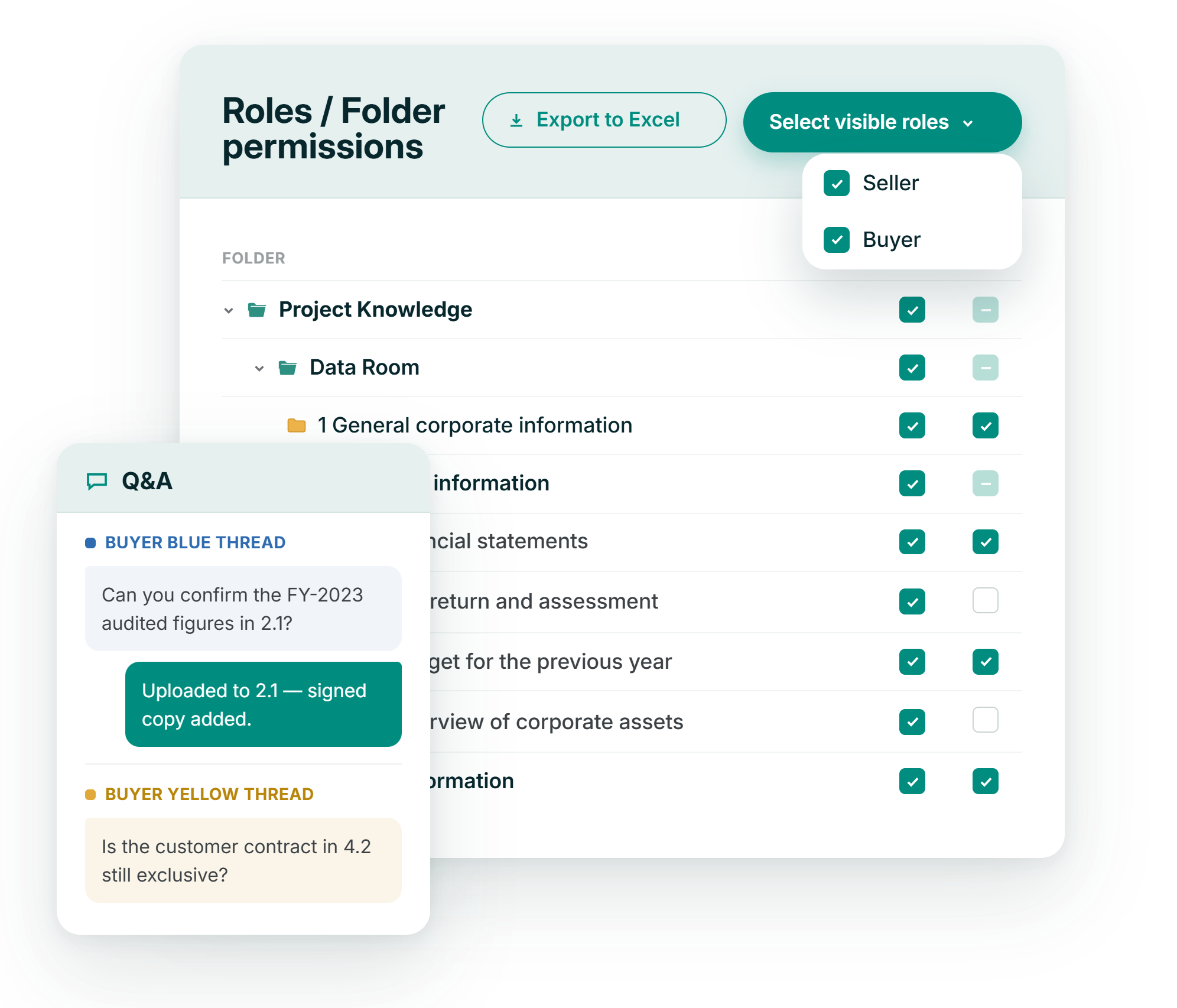
A single grid maps every role against every folder, so nobody has to track who can see what in a side document.

Provable at any point
Export the current access picture to Excel and pair it with the activity trail when an adviser, an auditor or a regulator asks.

Nothing leaves by accident
Read-only roles cannot download or print, and dynamic watermarking and Fence View apply to the documents people can open.
fOLDER PERMISSIONS
Grant a whole branch, then close the folders that should stay closed
Roles and folder permissions is one view: user roles across the top, your folder structure down the side. Every change saves as you make it, so the grid always reflects live access.
- Tick a top-level folder to open everything beneath it
- Uncheck any sub-folder to keep it closed
- Choose which roles appear in the folder view
.png?height=1000&name=security-access-control-feature-images-stylised-en-selection%20(9).png)
sYSTEM ROLES
Five system roles, from view only to full control
Folder permissions decide which documents a person reaches. The system role decides what they can do once they are there, from viewing in the browser to running the data room.
- Read only blocks download and print on every document
- Content administrators manage content, not people
- No administrator can change a user's email address or username
.png?height=1000&name=security-access-control-feature-images-stylised-en-selection%20(6).png)
Buyer separation
Competing buyers never see each other, in documents or in Q&A
One user role per company is the recommended set-up, and the separation holds beyond the folder tree. Each buyer role has its own Q&A, so questions asked by one bidder are invisible to the rest.
- One user role per company, the recommended set-up
- Each buyer role has its own Q&A thread
- The seller side sees every question from every role
.png?height=1000&name=security-access-control-feature-images-stylised-en-selection%20(4).png)

ISO 27001:2022
Information security, independently checked

GDPR compliant
Meets EU data-protection standards by design

AES 256-bit
Bank-level encryption.

European data residency
Hosted & processed entirely in the EEA

SOC 2 Type II
Independent audit of controls in operation