









.png)




.svg)
.svg)
.svg)







.png)
.png)






.jpg)

%20F%20(1).jpeg)







.webp)






 Login
Login
.svg)

Ready-made structure
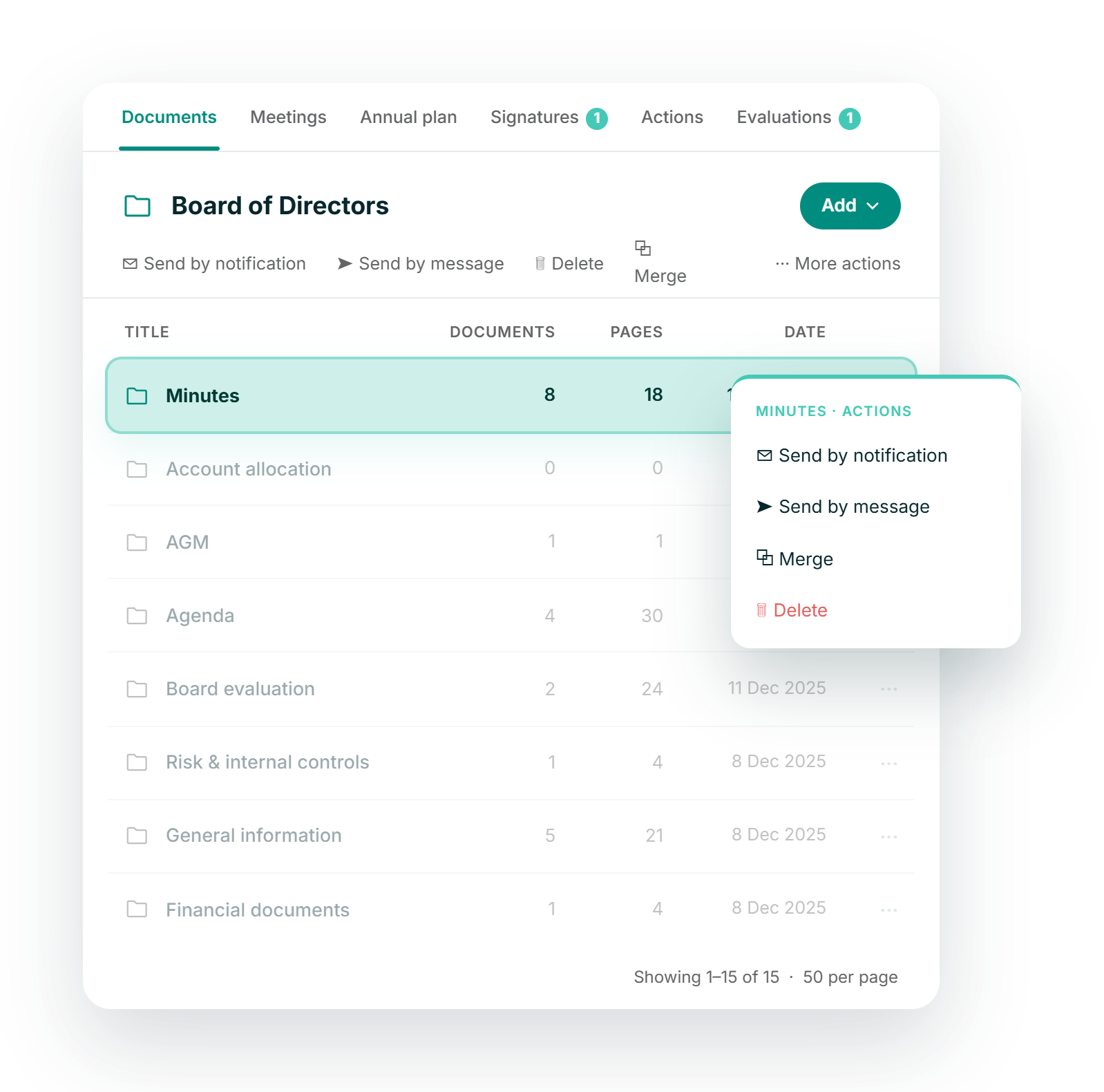
Pick a best-practice folder template or build your own, then move, rename or delete folders in a few clicks before anyone uploads a file.

Bulk, drag-and-drop upload
Drag a whole batch of files into a folder, or browse to select them, and track the upload's progress without leaving the page.

Per-document permissions
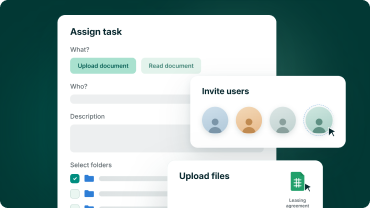
Choose whether a document can be printed, copied or downloaded, and change those rights at any time from its properties.

Instant share notifications
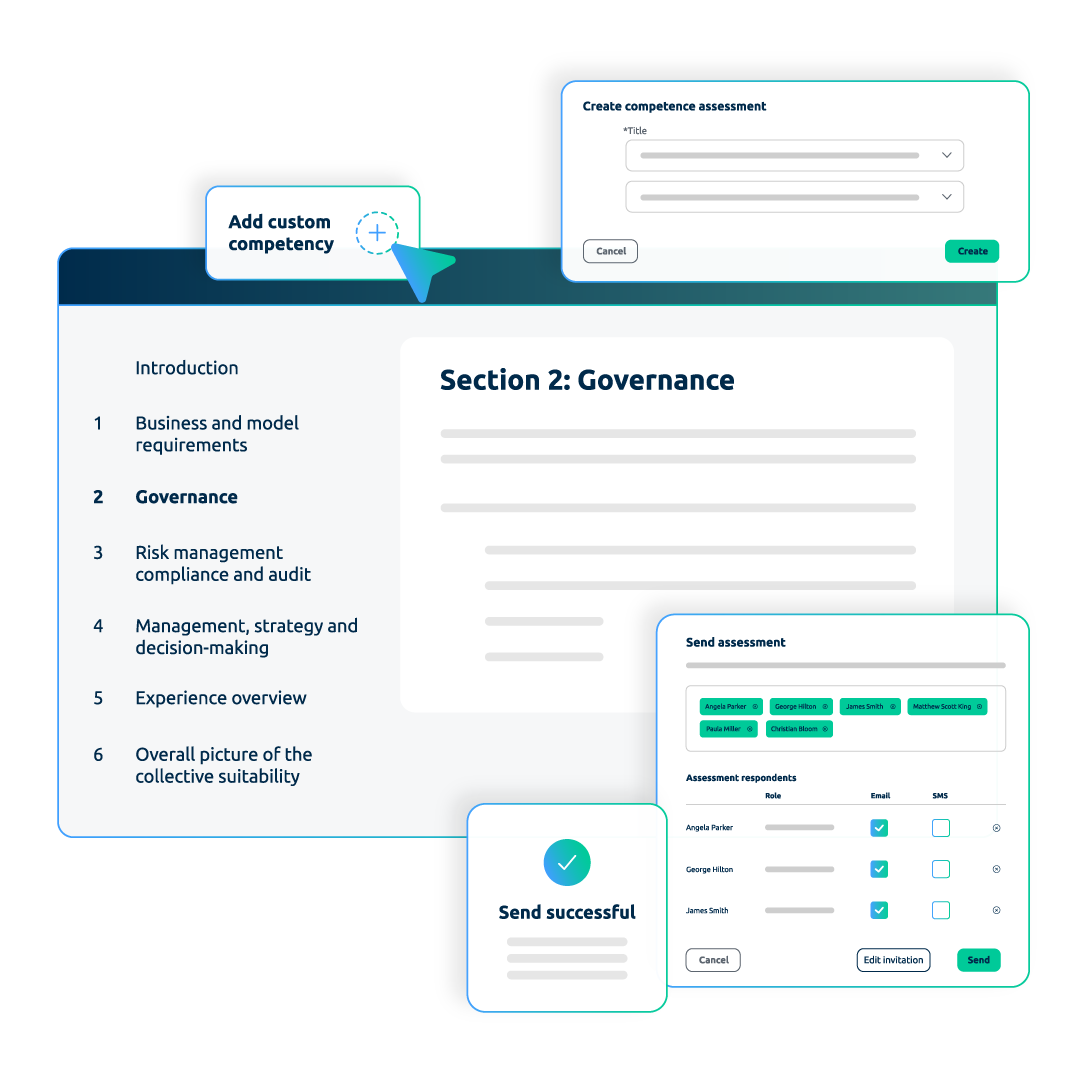
Add recipients to a document and notify them by email, SMS or push the moment it is ready to read.
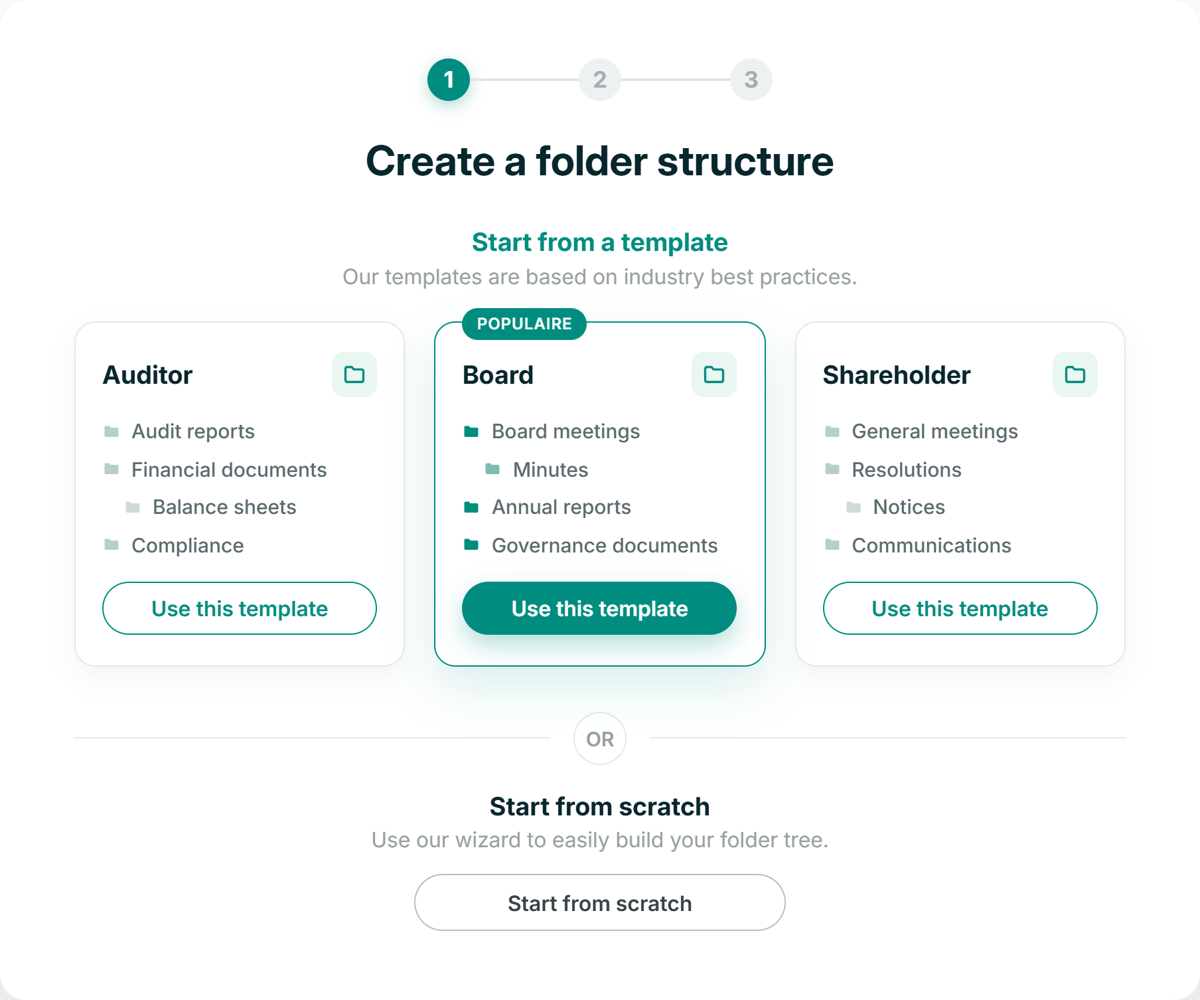
Folder structure
Start every portal from a proven best-practice template
The Folder Wizard lets administrators and content administrators choose a best-practice template or build their own structure from scratch, inside an empty area of the portal. Move, rename, add or delete folders before anyone uploads a document, so the library is right from day one.
- Choose a template or start from scratch
- Move, rename, add or delete folders freely
- Apply the structure to an empty area in one step

.png)
DOCUMENT UPLOAD
Import documents in batch
Drag and drop a batch of files into a folder, or browse to select them, and Admincontrol Board Portal uploads them together while a progress window keeps you working elsewhere in the portal. Microsoft Office files convert to PDF automatically, and every new document carries a "new" tag until someone opens it.
- Drag and drop or browse to upload in one batch
- Keep working while the upload runs in the background
- Office files convert to PDF on the way in
.png?height=1000&name=document-manager-feature-images-stylised-en-selection%20(1).png)
SHARING & PERMISSIONS
Decide who can print, download or just read each file
Print and copy access is switched on by default for every upload, and download can be allowed at the same time or added later from the document's properties. Once a document is ready, add recipients and notify them by email, SMS or push, so the right people know without you chasing them down.
- Set print, copy and download rights per document
- Change permissions any time from document properties
- Notify by email, SMS or push notification
.png?height=1000&name=document-manager-feature-images-stylised-en-selection%20(8).png)

ISO 27001:2022
Information security, independently checked

GDPR compliant
Meets EU data-protection standards by design

AES 256-bit
Bank-level ecryption.

European data residency
Hosted & processed entirely in the EEA