






.png)




.svg)
.svg)
.svg)






.png)
.png)





.jpg)
%20F%20(1).jpeg)







.webp)






 Login
Login
Webinars are not a single format with a single price. They divide broadly into basic webinars and professional webinars, and the right choice depends on the visibility of the event, the size and importance of the audience, and the standard of production the occasion demands. Understanding the differences, and the costs attached to each, is the first step towards a sensible budgeting decision rather than an expensive miscalculation.
The distinction is not about quality for its own sake. An internal team update and an earnings call broadcast to analysts and shareholders sit at opposite ends of a spectrum, and matching the format to the stakes is what separates a confident communicator from one who has either over-spent or under-delivered.
Basic webinars
A basic webinar relies on modest equipment: a presenter needs little more than a computer and a headset, with a webcam added where a video feed is wanted. These events are typically do-it-yourself arrangements, in which the organiser handles every aspect of the set-up and broadcast, and they often require both presenter and viewers to download software in advance. They are inexpensive and entirely adequate for low-stakes, internal or small-scale sessions.
Their limitations become apparent as the stakes rise. Basic tools generally offer fewer audio and video options, limited scope for branding, weaker security and little support for multiple speakers or polished production. Licence fees for general-purpose tools vary widely according to the number of organisers and the cap on viewers, and they cover only the software; everything else, including the technical set-up and the broadcast itself, falls to the customer.
Professional webinars
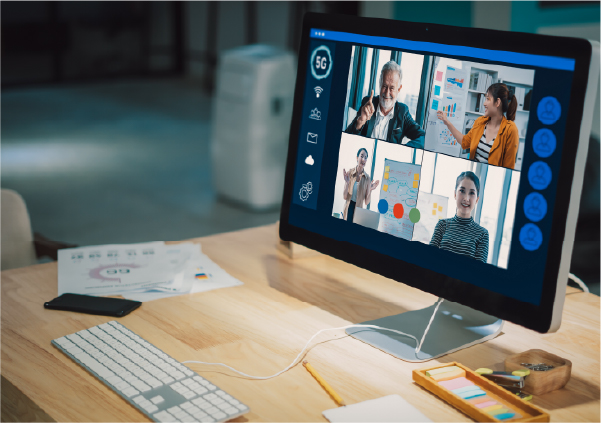
A professional webinar replaces the headset and webcam with broadcast-quality cameras, lighting and sound. The differences are substantive rather than cosmetic. The broadcast looks and sounds materially better; there is far greater scope for branding; the event can be secured properly, including password protection and access controls; it streams seamlessly across devices and browsers without viewers needing to download anything; and expert support is available throughout.
The benefits extend beyond the live event. A professional webinar can be published on demand immediately afterwards, made searchable by agenda item, speaker or slide, and embedded on your own website so that visitors stay with you. It integrates with business systems such as a CRM, generates detailed analytics and reports, and is engineered to minimise the burden on the organising team rather than add to it. For any event that carries reputational weight, these are not luxuries but requirements.
DIY or full-service
Within the professional tier, the central decision is whether to run the event yourself or outsource the execution. A do-it-yourself professional solution gives an in-house team the broadcast-grade platform while leaving them to manage the production. A full-service solution hands the technical execution to the provider, with a dedicated project manager working alongside the customer to ensure the event succeeds, whether it is broadcast from a professional studio or from a location of the customer’s choice.
The full-service model is particularly valuable when the content is high-stakes and the internal team’s attention is better spent on the message than on troubleshooting. The economics vary with the location, duration, number of cameras and additional features, but the principle holds: you are buying certainty for events where failure is not an option.
Where EngageStream fits
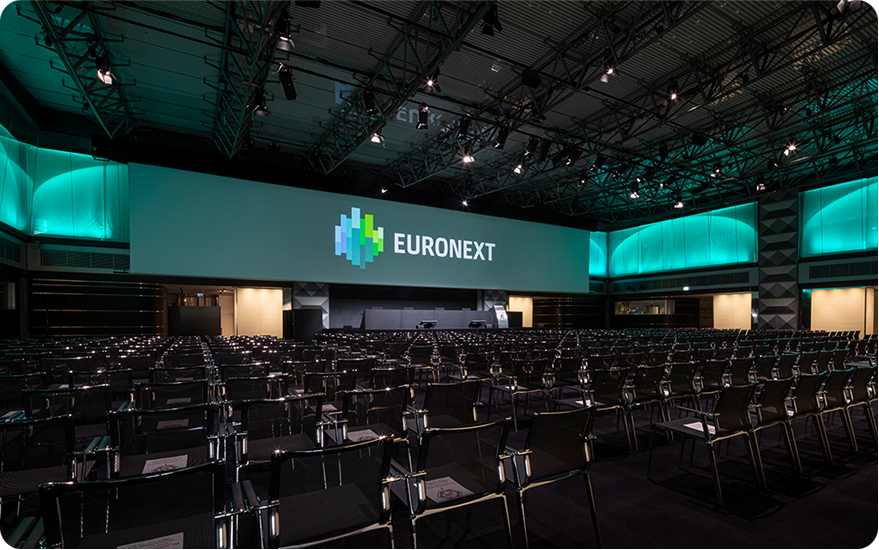
EngageStream, the webcasting platform from Euronext Corporate Solutions, is built for the professional tier and for the full-service model in particular. It offers a network of broadcast-standard studios across Europe, an end-to-end event-management service included in the offering, enterprise security certified to ISO 27001, and peer-to-peer streaming technology that reduces bandwidth requirements substantially for a more stable broadcast.
Compared with general-purpose tools such as Zoom, Teams, Webex and GoToWebinar, its differentiators are concentrated where high-stakes events demand them: professional studios, end-to-end management, real-time audience profiling and always-included interactive features. The provider delivers more than fifteen thousand events each year, which is the kind of operational track record that matters when the event in question is an AGM or a results call rather than a routine catch-up.
Key takeaways
-
Webinars split into basic and professional tiers, with DIY or full-service options.
-
Basic webinars are inexpensive but limited in branding, security and production.
-
Professional webinars add broadcast quality, security, analytics and on-demand reuse.
-
Match the format to the stakes: an internal update and an earnings call are not the same.
FAQs
What are the main types of webinars?
Basic webinars (audio-only or webcam, usually do-it-yourself) and professional webinars (broadcast-quality, available as DIY or full-service), each suited to different stakes and budgets.
What is the difference between DIY and full-service webinars?
With DIY you run the production on a professional platform yourself; with full-service the provider supplies a team to manage the technical execution so you can focus on the content.
How much does a professional webinar cost?
Costs vary with location, duration, the number of cameras and the features used. The key trade-off is buying certainty for high-stakes events where failure is not an option.
References and further reading
- B2B webinar strategy
- How to plan and structure a webinar
How to promote a webinar- EngageStream webinar platform
- Engaging webinars & webcasts
- Virtual and hybrid PR events
- The ultimate guide to hybrid event planning